


The first four articles established a complete AI Agent framework:
- Model ≠ Runtime: Skills live inside the Runtime
- The five-layer architecture: Command → Agent → Tool + Skill → Context
- Context Engineering is the foundation: JIT, Token Budgets, Progressive Disclosure
- The future of AI competition lies in the Skill ecosystem
But once you actually start building an Agent system, you’ll run into a practical question pretty quickly:
Should I package this as a Skill or a Subagent?
Most people’s instinct is to look at complexity — simple things become Skills, complex things become Subagents. That instinct isn’t quite right, because complexity isn’t the deciding factor. Context is.
They Don’t Live on the Same Layer
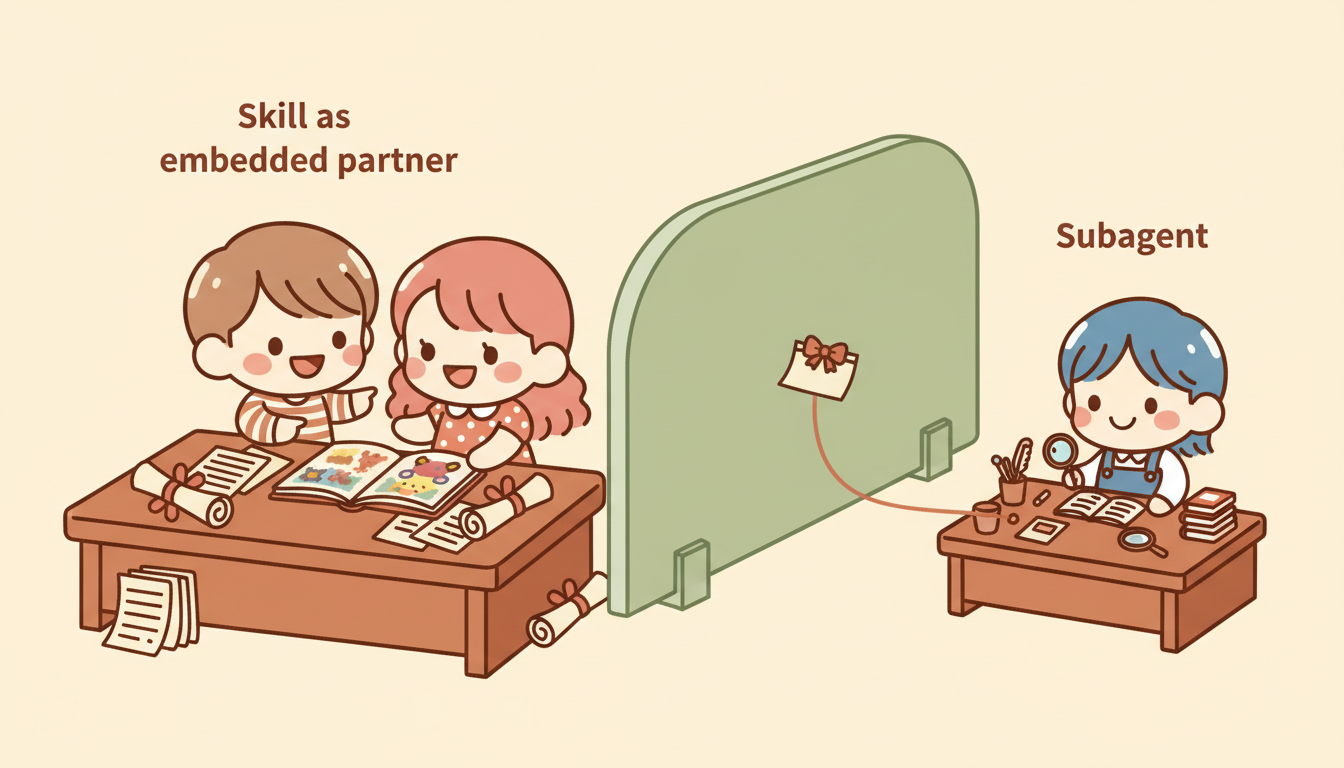
A lot of people put Skills and Subagents on the same spectrum, treating a Subagent as just a “more powerful Skill.” But go back to the five-layer architecture from article two:
Command → Agent → [Tool + Skill] → ContextA Skill is the knowledge layer sitting alongside the Agent — it tells the Agent how to think. A Subagent is another Agent entirely — with its own Context Window, its own tools, and its own permissions.
Main Agent
├── Tool (executes actions)
├── Skill (provides knowledge)
└── Subagent (an independent Agent with everything of its own)
      ├── Tool
      ├── Skill
└── Context (fully isolated)- Skill → a knowledge module, loaded into the main Agent’s Context
- Subagent → an independent executor, with its own Context
This difference looks subtle, but it governs the entire Context flow of your system.
Context Flow Is the Real Key
Article three made the point: every unnecessary token actively degrades system performance. Apply that lens to Skills vs. Subagents:
When you use a Skill:
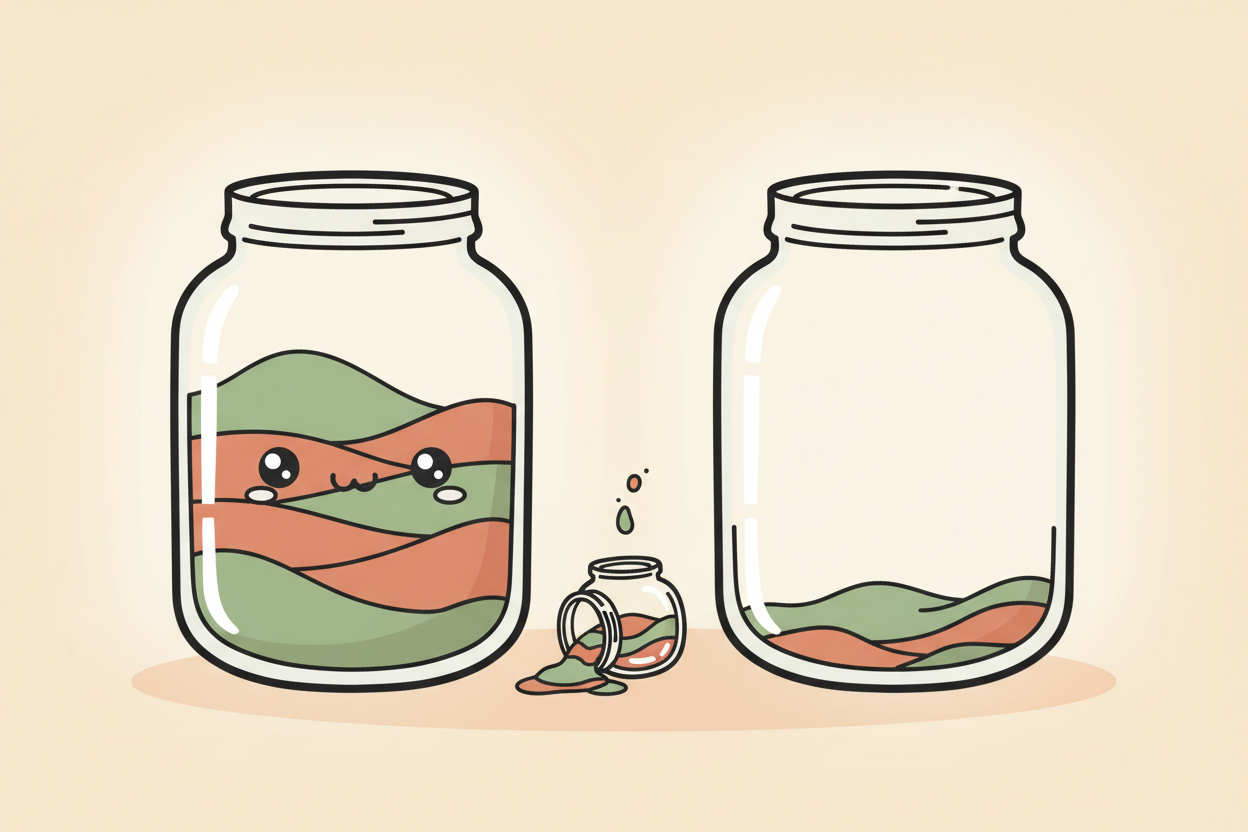
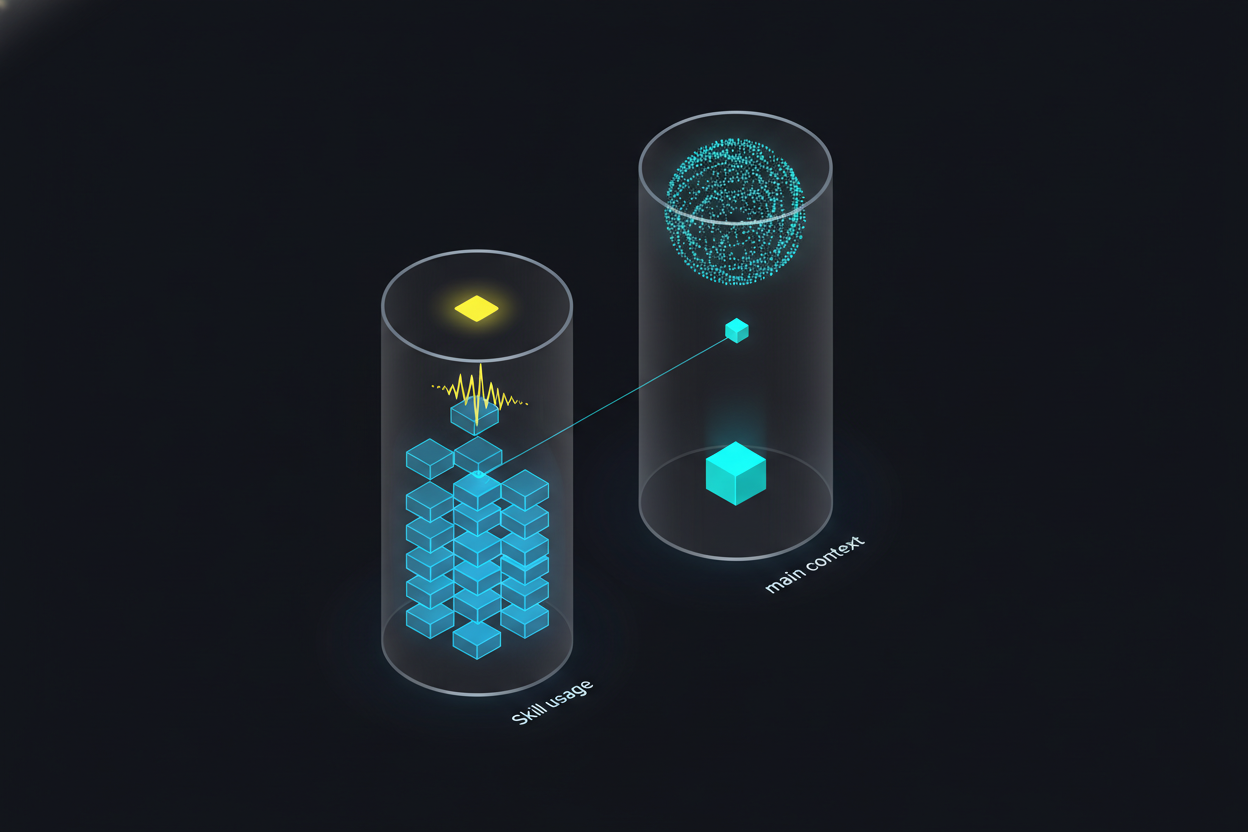
Skills use Progressive Disclosure to control how much gets loaded, but once loaded, the knowledge stays in the main Context. Every intermediate output from the task piles up inside the main Context Window.
When you use a Subagent:
(all stays here)"] end SUB -- "one-way summary return" --> MAIN
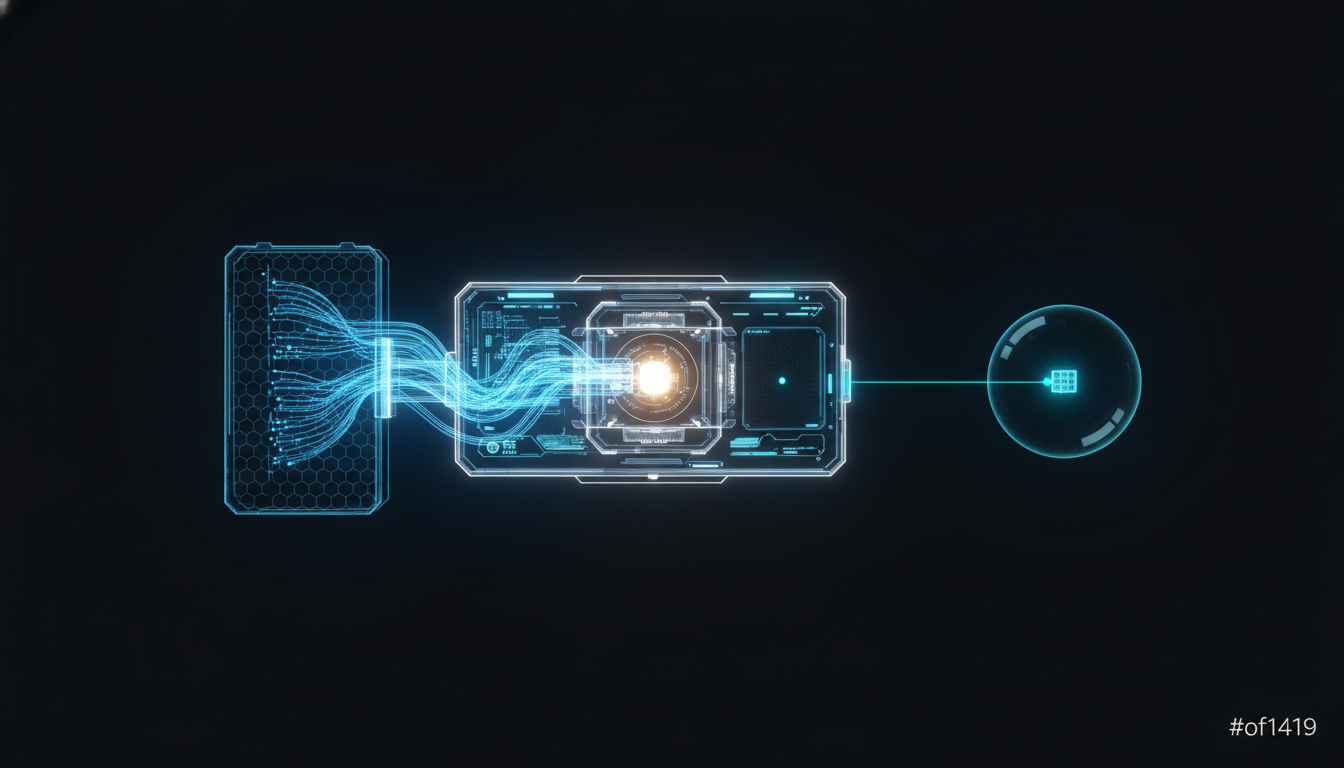
The Subagent’s intermediate work stays inside its own Context Window. Only the summary comes back to the main Agent. This is the Subagent Return Contract from article three: explore deeply, return shallowly.
So choosing between a Skill and a Subagent is really answering one question:
Does the intermediate process of this task have value to the main conversation?
Yes → keep it in the main Context → Skill No → isolate it, just take the result → Subagent
But the Lines Are Blurring
The distinction above is conceptually clean, but in practice, Skills have been gaining capability. In late 2025, Anthropic released Skills 2.0, and now a Skill can:
- Use
context: forkto run itself inside the isolated environment of a Subagent - Use
allowed-toolsto restrict which tools are available - Use
modelto override the model being used
In other words, a Skill can now configure itself to behave like a Subagent. That means a Skill is no longer just “static knowledge” — it can be a complete agent configuration.
So does the distinction between Skills and Subagents still hold?
Yes. The core separation still stands:
- A Skill starts from knowledge — “here’s how to think about this” — and can be run inline or forked
- A Subagent starts from isolation — “go do the work and come back with a report” — it’s independent Context by nature
Skills 2.0 lets a Skill choose whether to isolate, but a Subagent is born isolated. It’s like the difference between someone who can opt to work independently versus someone who is a natural independent contractor. The starting point is different; the design intent is different.
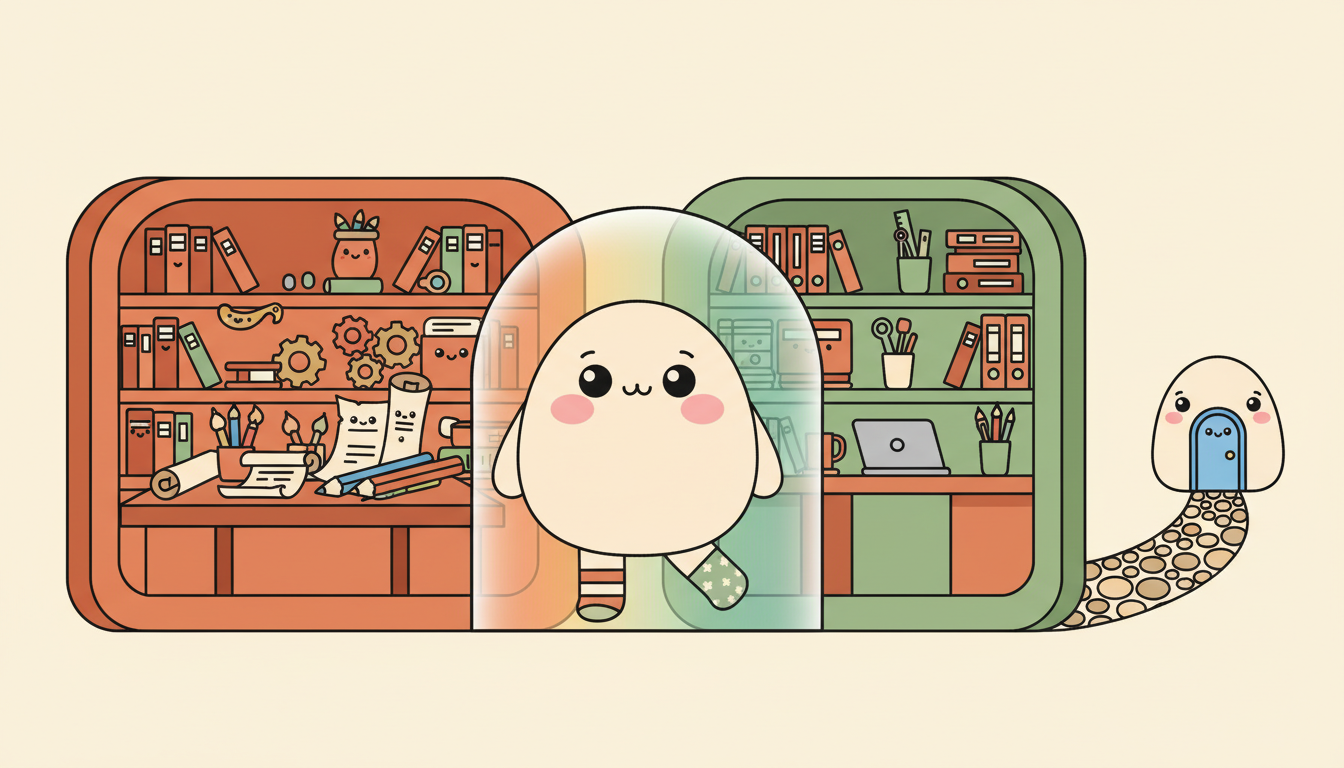

Use Token Consumption as a Shortcut?
Once you understand Context flow, a lot of people land on a quick mental shortcut:
High token consumption → Subagent Low token consumption → Skill
This intuition is right most of the time. High token consumption usually means lots of intermediate work, and lots of intermediate work usually means it has no lasting value to the main conversation.
But there are two blind spots.
Blind Spot One: Low Tokens, but Isolation Still Needed
A lightweight task produces only a few hundred tokens, but you need to restrict tool permissions — say, a code reviewer that can read but must never write. Not many tokens, but you don’t want it to have write access. Use a Subagent.
Blind Spot Two: High Tokens, but Interaction Is Required
You’re working through a complex architecture design that requires back-and-forth conversation and iterative revisions. A Subagent goes off, does its work, and comes back — you can’t step in mid-task. But keeping everything in the main Context will blow up the token count.
The first blind spot is easy to solve — just use a Subagent. The second blind spot is a genuine dilemma: a Skill will stuff the Context, a Subagent loses the interactivity. What do you do?
The answer isn’t choosing one or the other — it’s combining them, which is exactly what the next article covers.
Further Reading
-
Anthropic: “Extend Claude with Skills” (official docs) [1] — “skill descriptions are loaded into context so Claude knows what’s available, but full skill content only loads when invoked”;
context: forklets a Skill execute in an isolated environment link -
Anthropic: “Create Custom Subagents” (official docs) [2] — “Each subagent runs in its own context window with a custom system prompt, specific tool access, and independent permissions” link
-
Anthropic: “Subagents in the SDK” (API docs) [3] — “Each subagent runs in its own fresh conversation. Intermediate tool calls and results stay inside the subagent; only its final message returns to the parent” link
-
Anthropic: “Effective Context Engineering for AI Agents” [4] — “Each subagent might explore extensively… but returns only a condensed, distilled summary of its work (often 1,000-2,000 tokens)” link
-
Anthropic: “Skills Explained” (Blog) [5] — Skills are portable knowledge suited for cross-conversation reuse; Subagents are for context isolation that keeps the main conversation focused link
References:
[1] Anthropic: “Extend Claude with Skills” (official docs) https://code.claude.com/docs/en/skills
[2] Anthropic: “Create Custom Subagents” (official docs) https://code.claude.com/docs/en/sub-agents
[3] Anthropic: “Subagents in the SDK” (API docs) https://platform.claude.com/docs/en/agent-sdk/subagents
[4] Anthropic: “Effective Context Engineering for AI Agents” https://www.anthropic.com/engineering/effective-context-engineering-for-ai-agents
[5] Anthropic: “Skills Explained” (Blog) https://claude.com/blog/skills-explained
Support This Series
If these articles have been helpful, consider buying me a coffee