


Contents
- These Three Look Similar — But Solve Completely Different Problems
- Tool — Execute Actions
- MCP — A Source of Tools, Not an Independent Layer
- Skill — Knowledge, Not Process Control
- Three Layers Aren’t Enough — In Practice, You Need Five
- Command — Entry Point, Not Logic
- Agent — Orchestrator, the Core of the Entire System
- Context — The Foundation
- So What’s the Complete Picture?
- A Counterintuitive Recommendation
- References
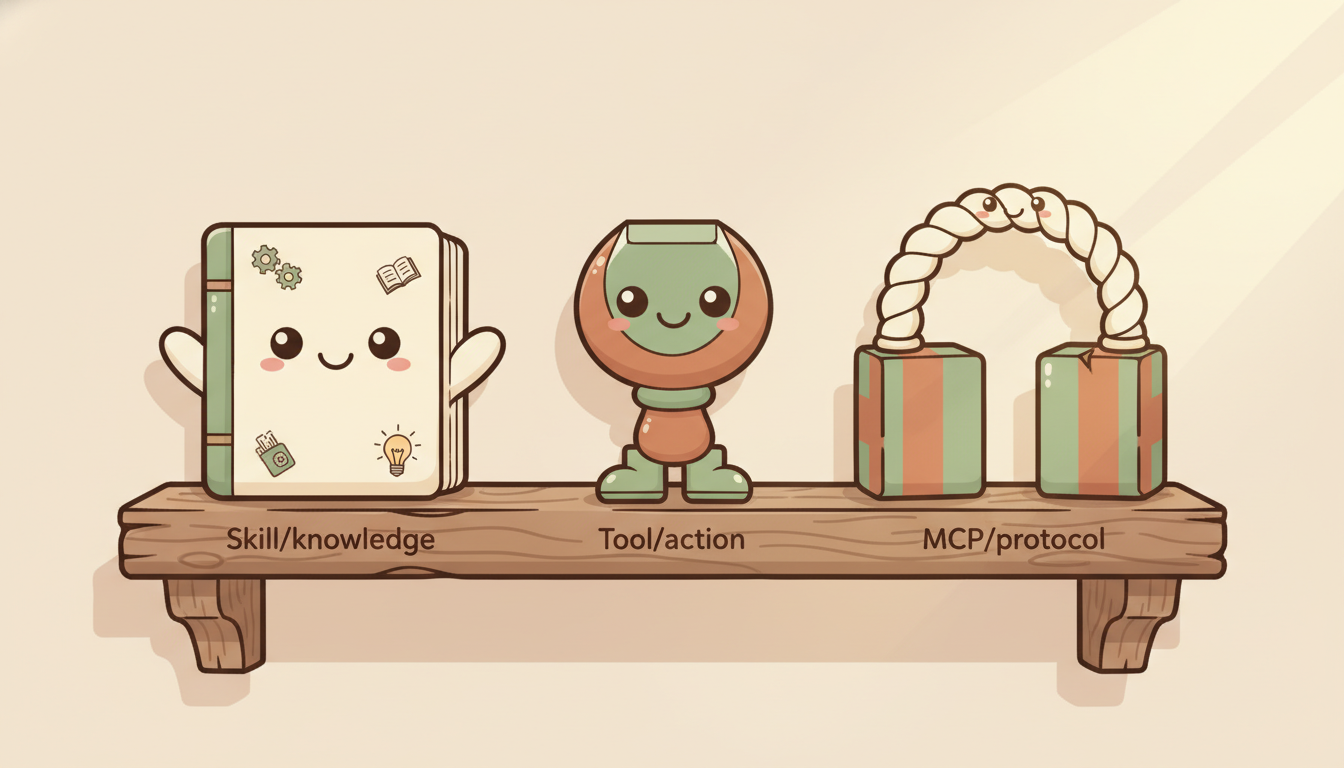
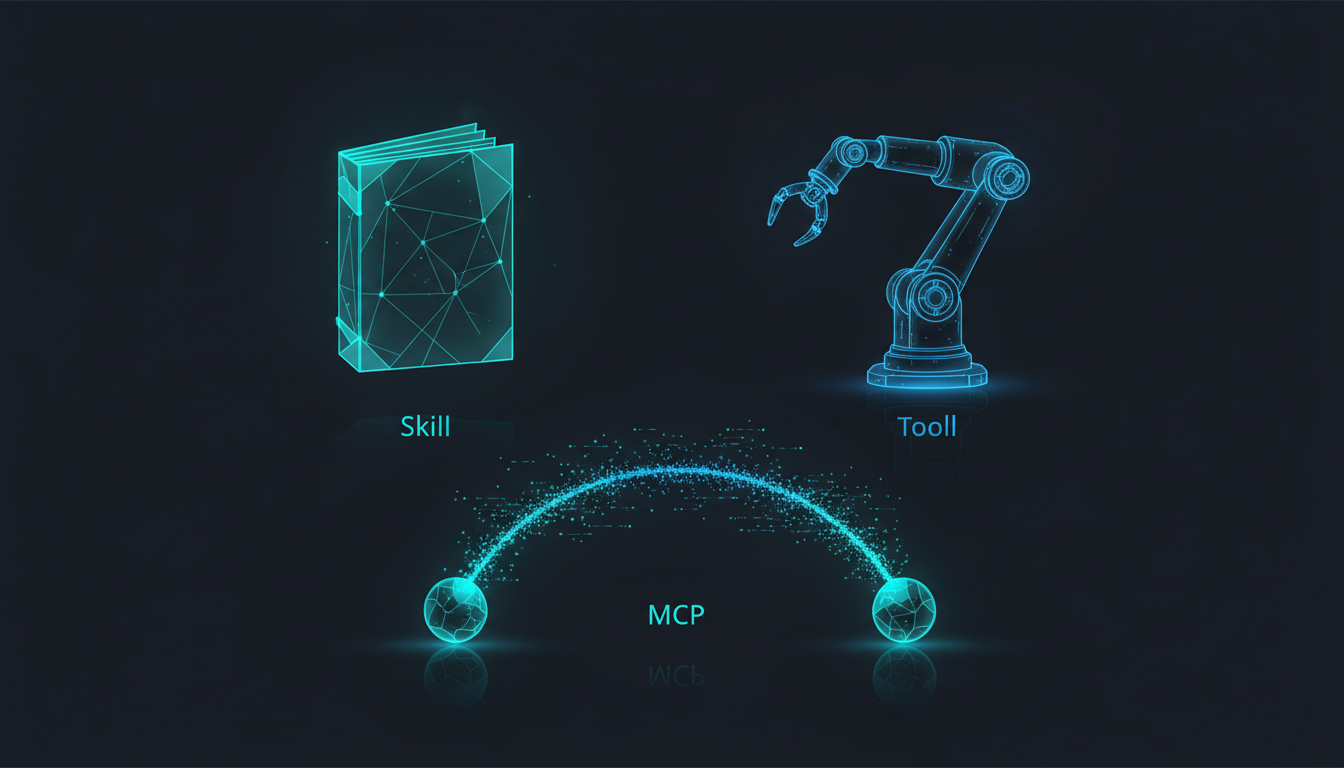
These Three Look Similar — But Solve Completely Different Problems
When you start digging into AI Agent systems, you quickly encounter three terms:
- Skills
- Tools
- MCP
A lot of people see these three things for the first time and assume they’re basically the same — or even treat them as interchangeable.
But in reality, these three concepts solve completely different problems.
And when you actually start building Agent systems, you’ll find that these three alone aren’t enough. In practice you need five layers. But before we get to five layers, let’s get these three concepts straight.
Tool — Execute Actions
Tool is the easiest to understand. A Tool is an action the AI can execute, for example:
Read()— read a fileWebSearch()— search the webBash()— run a shell commandquery_database()— query a database
The LLM triggers these operations through tool calling. At its core, a Tool is HOW to act — how to produce an effect in the world.
But there’s an important design principle here: the fewer tools an Agent has, the more focused it stays. In practice, once an Agent declares more than 10 Tools, its behavior starts becoming unpredictable. So more Tools is not better — the goal is to give each Agent only the tools it genuinely needs.
MCP — A Source of Tools, Not an Independent Layer
MCP (Model Context Protocol) is a protocol for connecting external systems, letting AI safely access services like Slack, GitHub, Google Workspace, and Notion.
Many people treat MCP as its own independent layer, parallel to Tool. But in practice, MCP is a subset of Tool.
Read · Edit · Write · Bash · WebSearch"] T --> M["MCP Tool
Slack · GitHub · Google Workspace"]
From the Agent’s perspective, calling a native tool and calling an MCP tool are identical — both are tool calls. MCP simply solves the standardization problem for connection protocols, which is why it doesn’t need its own independent layer in the architecture.
In practice, the multiple Agent systems we’ve built through pg-agent-dev and pg-agent-ops don’t rely on MCP at all. Claude Code’s native tools (Read, Write, Bash, WebSearch, etc.) are sufficient for the vast majority of work. MCP is useful, but it’s not required — and it’s certainly not the core of the architecture.
Skill — Knowledge, Not Process Control
Skill is an entirely different thing. A Skill is not a tool. A Skill is Knowledge — it’s “how the AI should think about this.”
For example:
- Decision frameworks: when to be conservative, when to be bold
- Security audit methodology: what to check, in what order
- Financial report analysis framework: which metrics matter, how to cross-validate
As Anthropic puts it:
MCP provides tool connections, while Skills provide the methods to accomplish tasks.
The key distinction:
- Skill → Nature: HOW to think / Character: static knowledge / Examples: decision frameworks, analysis methodologies
- Tool → Nature: HOW to act / Character: dynamic execution / Examples: WebSearch, Read, Bash
Skill and Tool are not an upstream/downstream relationship — they are both drawn upon by the Agent simultaneously. When executing a task, the Agent references the methodology provided by Skill while calling Tools to take action.
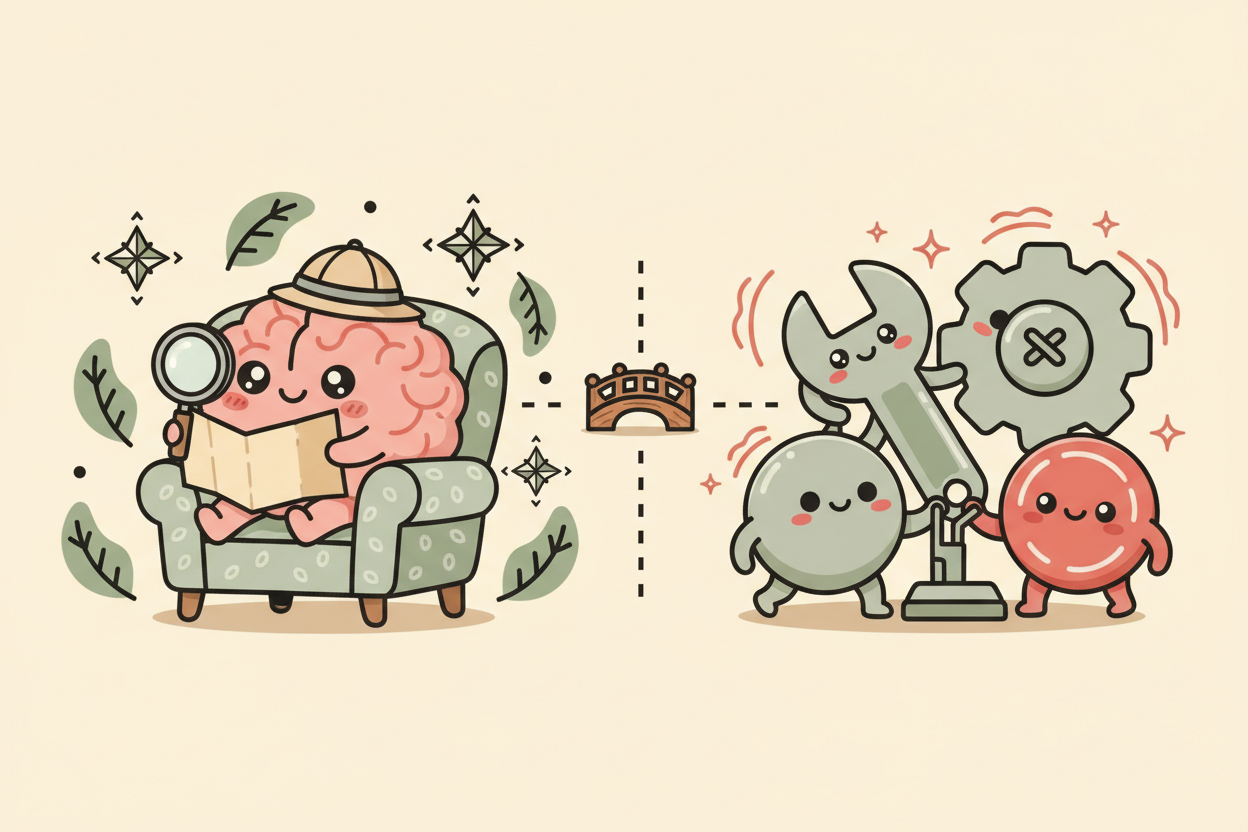

There’s also a common misconception worth clearing up: many people assume Skill controls the workflow. But when you actually trace how Claude operates, Skill only provides knowledge — the Agent decides the workflow. A Skill might tell the Agent “when doing XXXX, check XXX first before proceeding,” but the final decisions about how to do it, in what order, and with which tools belong entirely to the Agent.
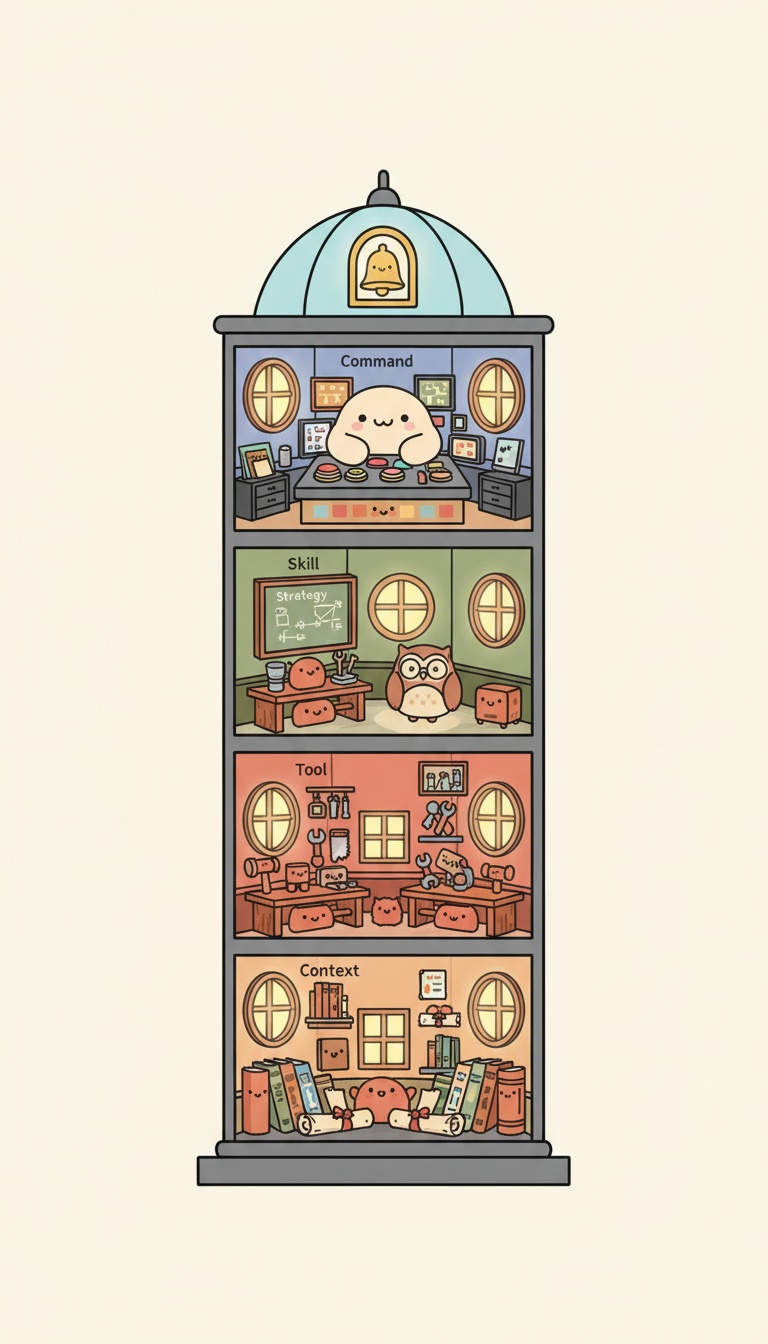
Three Layers Aren’t Enough — In Practice, You Need Five
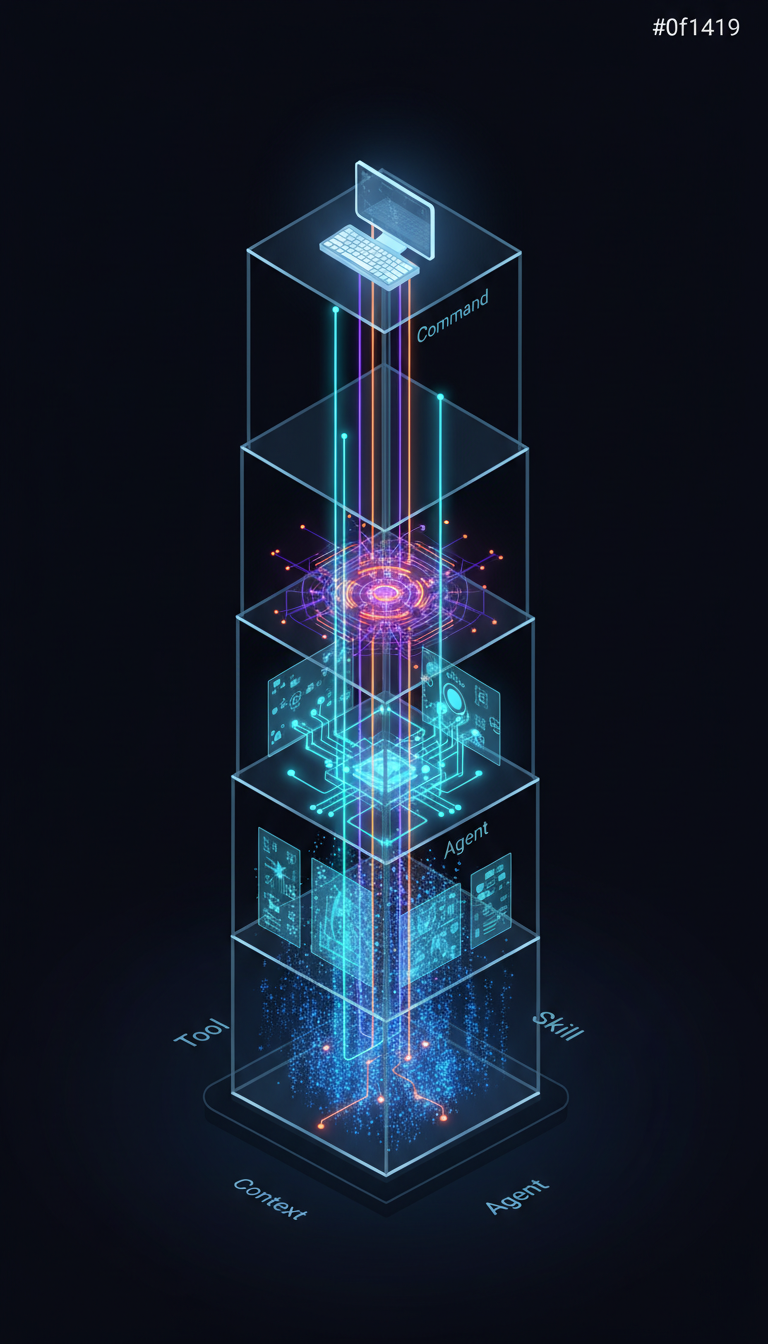
If you stop at the three concepts of Skill / Tool / MCP, you’re missing two critical roles.
A real, operating Agent system looks like this:
What flow the user triggers"] AGT["Agent (Orchestrator)
Who does it, with what tools"] T["Tool (Execution)
Native Tool · MCP Tool"] S["Skill (Knowledge)
Decision Frameworks · Analysis Methodologies"] CTX["Context (Domain Knowledge)
Facts, Data, Background Information"] CMD --> AGT AGT --> T AGT --> S T --> CTX S --> CTX
Command — Entry Point, Not Logic
March 31, 2026 Update: Claude Code is merging Custom Commands into Skills. Commands are now treated as Skills — they still work, but loading behavior has changed. The Command concept described here (as a user-triggered entry point) still holds, but the Skills format is recommended going forward. See this news coverage [1] for details.
Command is the entry point through which a user triggers a workflow — for example, /analyze, /research, /audit.
Command itself contains no business logic. It’s only responsible for “what gets started,” then hands the work off to the Agent. Think of it like typing a command in a terminal: the command itself doesn’t do anything — the program running behind it does.
Agent — Orchestrator, the Core of the Entire System
Agent is the true core of the entire system. It declares which Tools it can use, loads the Skills it needs, and decides how to complete the task.
A well-designed Agent looks like this:
name: researcher
model: opus
tools:
  - Read
  - Glob
  - Grep
  - WebSearch
Notice it only declares 4 Tools — that’s intentional. When designing an Agent, one of the most important decisions you make is deciding what tools not to give it.
Another important pattern in practice: Plan-Only and Execute should be separated. The Agent responsible for planning (architect) should not have write permissions; the Agent responsible for execution (scaffolder) should not make design decisions. This separation prevents a lot of problems.
Context — The Foundation
Context is “the facts and data the Agent needs to know” — company information, product pricing, brand tone, market data.
- Context = WHAT to know
- Skill = HOW to think
Without Context, Skill has no raw material for making decisions. A financial analysis Skill tells you “look at gross margin trends” — but the actual margin figures come from Context.
So What’s the Complete Picture?
- Command → What gets started? →
/analyze,/research - Agent → Who does it? With what? → researcher agent (holding WebSearch + Read)
- Tool → How does it execute? → WebSearch, Bash, Slack (MCP)
- Skill → How does it think? → decision frameworks, analysis methodologies
- Context → What does it know? → company financials, product specs, market data
This five-layer architecture looks clean and complete. But it has one fundamental problem.
A Counterintuitive Recommendation
In early 2026, Anthropic said something worth holding onto:
“Many teams spend months building sophisticated multi-agent architectures, only to find that improving prompting on a single agent achieves the same result.”
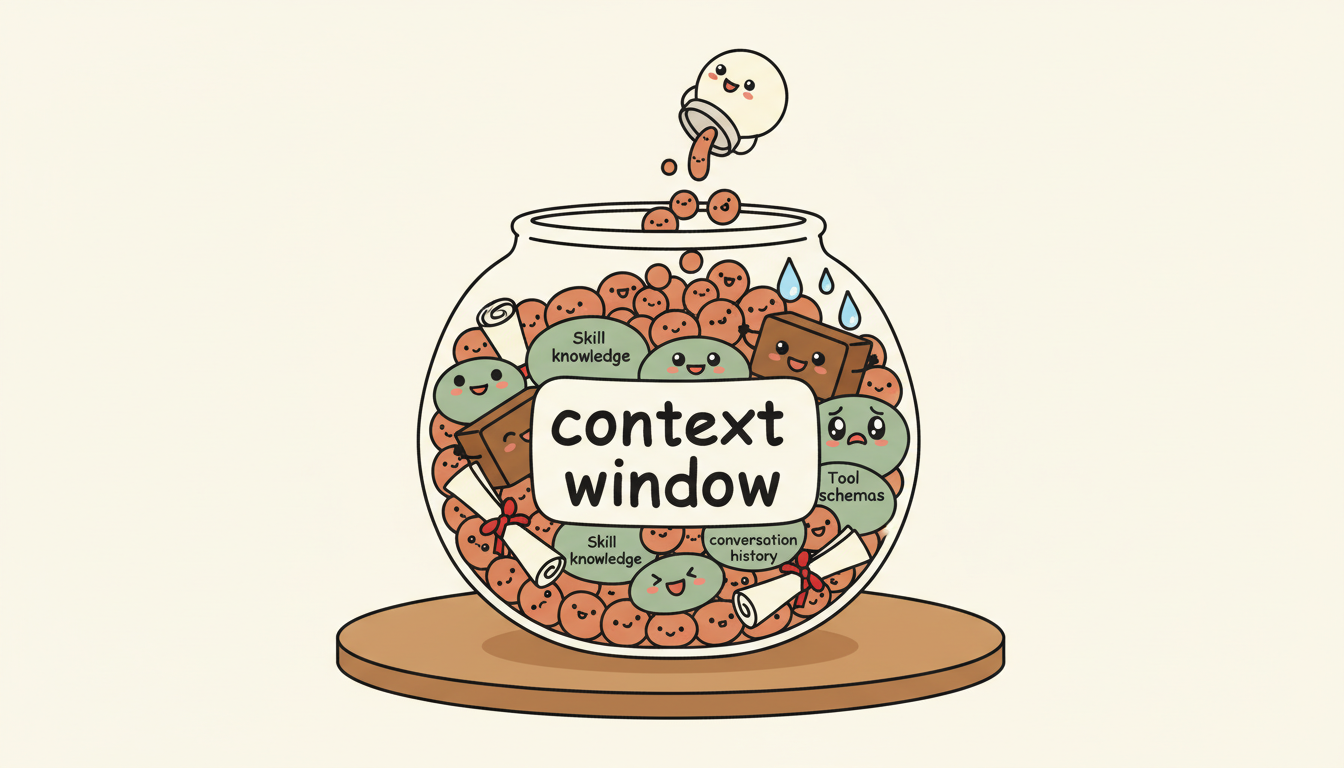
So: start with one Agent and good Context. Don’t rush to build a multi-agent architecture. Only add a second Agent when you hit a concrete bottleneck — when the Context Window runs out, or when different tasks require entirely different toolsets.
Wait — Context Window runs out?
Yes. This five-layer architecture has an unspoken assumption: everything has to fit inside the same Context Window. The Agent definition, Tool schemas, Skill knowledge, Context data, conversation history — all of it crammed in together. And the Context Window is finite.
As your system grows more complex and the layers pile up, your Context starts to explode. At that point, no matter how elegant your architecture is, it won’t matter — because the real bottleneck isn’t the architecture. It’s the context. That’s what the next article is about.

References
[1] News coverage on Claude Code merging Custom Commands into Skills /en/news/claude-code-deprecate-command
[2] MCP Specification (Official) — MCP’s Server features include Resources, Prompts, and Tools; the spec clearly defines what MCP standardizes as tool connections https://modelcontextprotocol.io/specification/2025-06-18
[3] Anthropic: “Writing Effective Tools for AI Agents” — “Too many tools or overlapping tools can also distract agents”; Tools are execution interfaces, Skills provide knowledge methodology https://www.anthropic.com/engineering/writing-tools-for-agents
[4] EclipseSource: “MCP and Context Overload: Why More Tools Make Your AI Agent Worse” — An Agent needed only three functions but received forty; model behavior becomes unreliable above 40% context usage https://eclipsesource.com/blogs/2026/01/22/mcp-context-overload/
[5] Anthropic: “Building Effective Agents” — “Start with simple prompts… add multi-step agentic systems only when simpler solutions fall short” https://www.anthropic.com/research/building-effective-agents
[6] LangChain: “Choosing the Right Multi-Agent Architecture” — Lists four multi-agent patterns; Agents succeed more reliably on focused tasks than when given dozens of tools https://blog.langchain.com/choosing-the-right-multi-agent-architecture/
[7] OpenAI: “A Practical Guide to Building Agents” — “Maximize a single agent’s capabilities first”; describes layered architecture https://openai.com/business/guides-and-resources/a-practical-guide-to-building-ai-agents/
Support This Series
If these articles have been helpful, consider buying me a coffee