




If you’ve started building your own Agents and Skills using pg-agent-ops or pg-agent-dev, the typical workflow probably looks something like this: writing Skills inside Claude Code / letting AI operate your entire codebase in Cursor / or packaging some workflows as plugins. Everything works great at first — until one day you want to do something: move a Skill somewhere else and use it there.
For example:
I wrote a Skill in Claude Code. Can I use it directly in Cursor + Claude?
Most people’s instinctive answer is:
As long as both are using the Claude model, it should work, right?
That intuition is actually very reasonable — but it hides a significant misunderstanding. Because in the world of AI Agents, one thing is very easy to conflate: Claude Model ≠ Claude Runtime And the cross-platform problem with Skills is caused exactly by this confusion.
Claude Model Is Just an Inference Engine
When we say “using Claude,” most people actually mean: the Claude Model. That is, calling an LLM via API. From a systems perspective, what it does is quite simple:
input → reasoning → outputYou give it a prompt, it returns text. That’s it. It has no knowledge of:
- Your IDE
- Your repo
- Your workflow
- Your plugins
- Your Skills
All of those things live outside the model.
But Cursor and Claude Code Are More Than Just a Model
The first time many people use Cursor + Claude or Claude Code, they get an impression:
Claude is really good at handling files, wiring things together, writing code.
But that’s not quite right. What you’re actually using, more precisely, is:
Cursor = IDE runtime + Claude model
Claude Code = agent runtime + Claude model
Both of these tools contain an entire runtime layer, which includes things like:
file access
tool system
context loader
workflow planner
sub-agents
When you think Claude is searching your repo, editing files, or running tools — a lot of that isn’t the model (Claude) doing it. It’s the runtime orchestrating everything.
Skills Are Not Model Capabilities
Now back to Skills. When people first encounter Skills, the natural instinct is to understand them as model capabilities — as if the model “learned a new skill.” But in practice, a Skill is much closer to a workflow module. For example, a Claude Skill is typically a folder that contains:
- instructions
- scripts
- resources
Claude loads this content on demand to complete specific tasks. In other words, a Skill’s operation depends on:
skill loader
context injection
tool integration
And all of that lives inside the:
agent runtimeNot the model.
Why Can’t Skills Easily Cross Platforms?
Consider two environments.
Claude Code = Claude model + agent runtime + skill loader + tools
Cursor + Claude = Cursor runtime + Claude model
If you wrote a Skill in Claude Code — say, repo-analysis-skill — it probably assumes:
- The ability to search a repo
- The ability to call tools
- The ability to load context
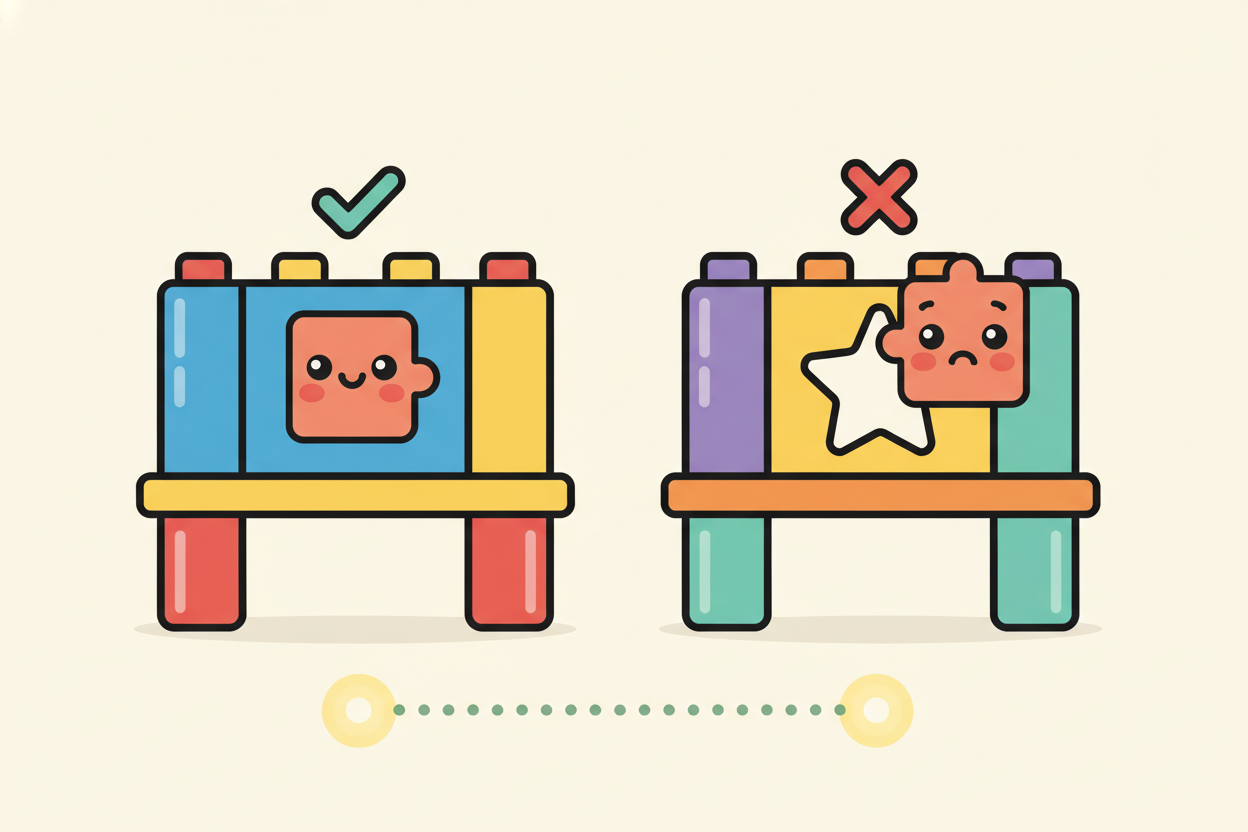
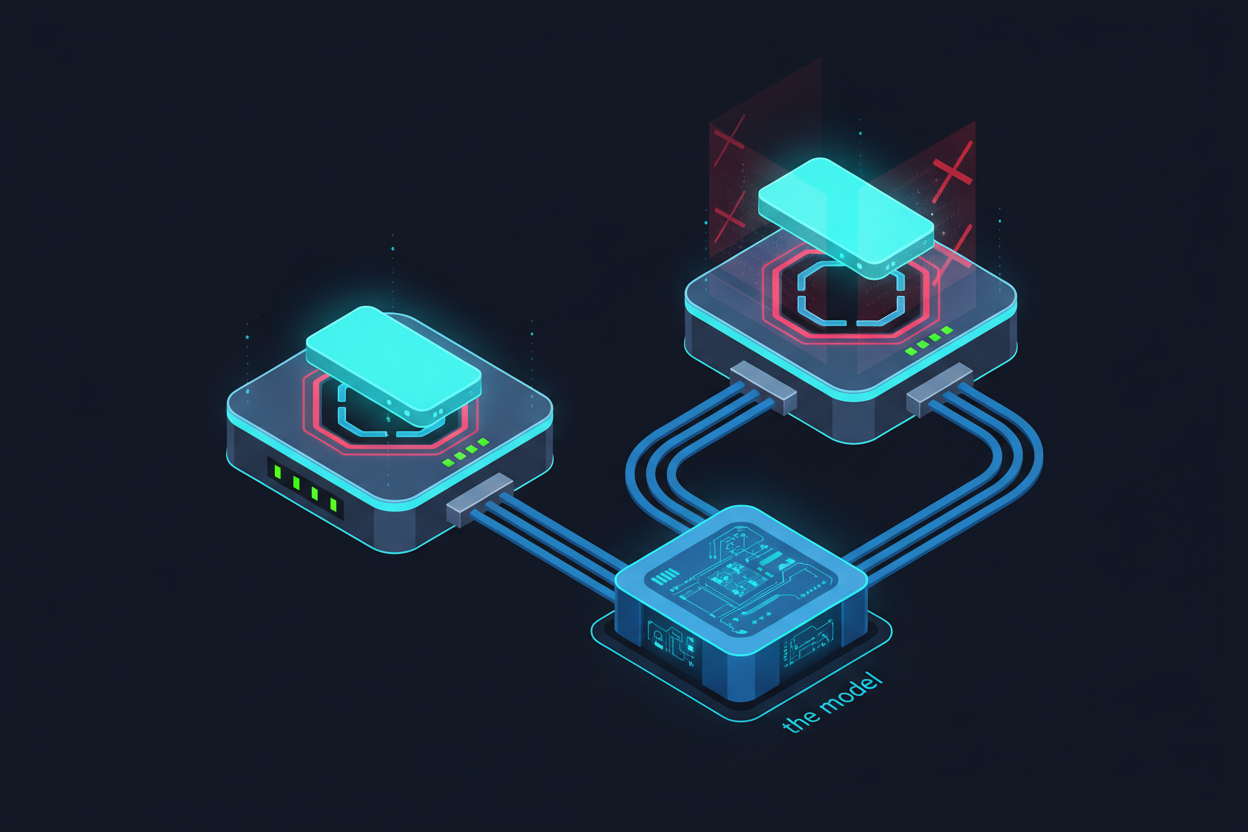
When you bring that Skill into Cursor, what usually happens is: nothing. Not because Claude doesn’t know how to use the Skill, but because Cursor’s runtime doesn’t know how to load it. So whether a Skill can work across platforms isn’t a model problem. The real issue is runtime architecture.
AI Agents Are Layered
If you pull apart the entire Agent system, you typically find three layers:
(Claude Code、Cursor、Windsurf)"] B["Agent Runtime
(tool execution · skill loading · workflow planning · context management)"] C["Model
(reasoning · language generation)"] A --> B --> C
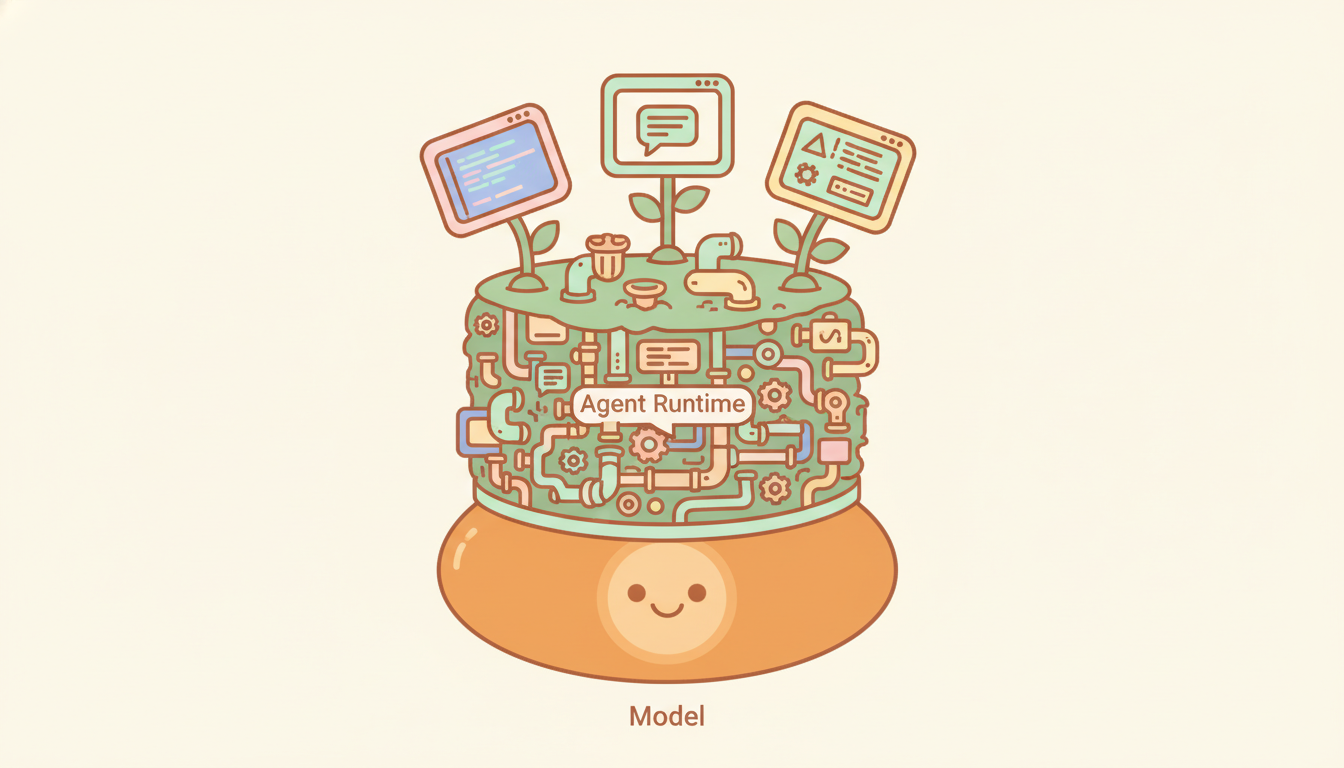
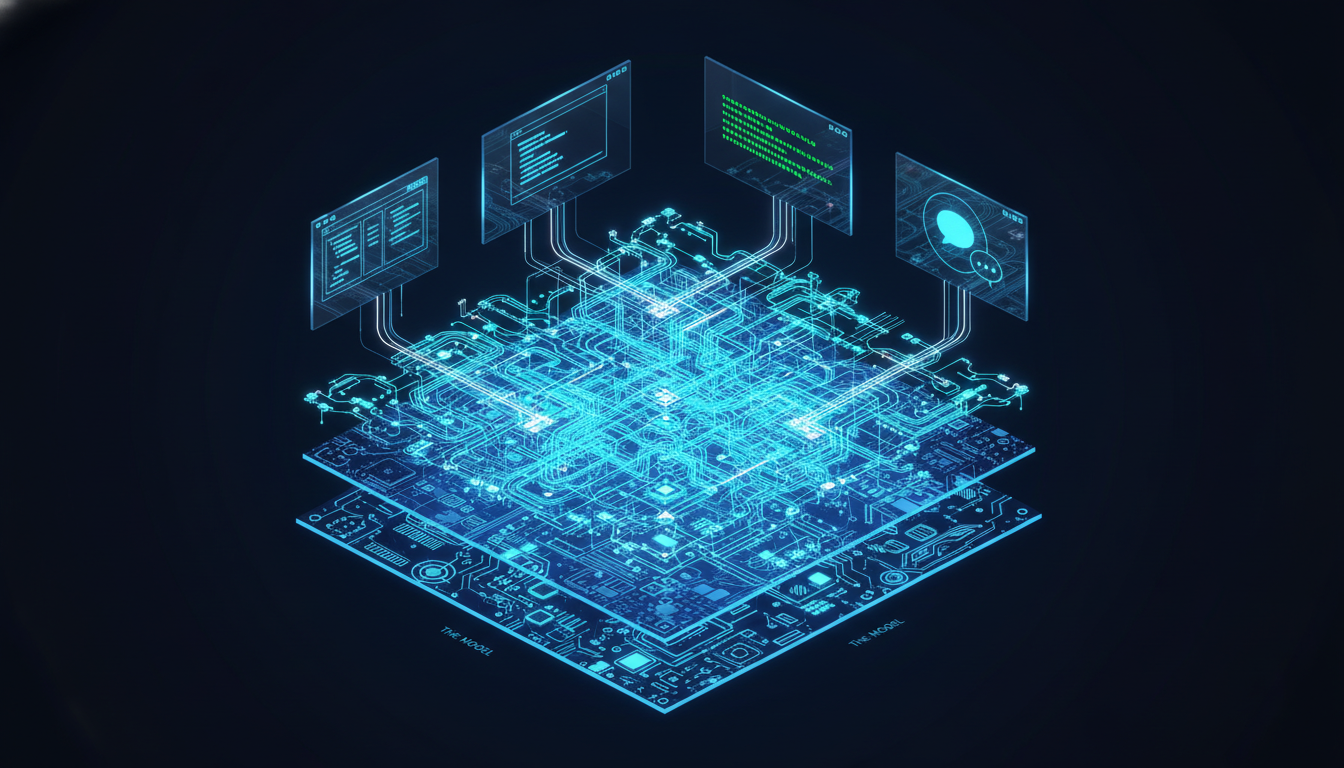
The Model handles: reasoning, language generation. The Runtime handles: tool execution, skill loading, workflow planning, context management. The Skill lives at the agent runtime layer — not the model. So the question of Skill portability is not:
Can Claude run this Skill?
The real question is:
Can this runtime understand this Skill?
What Comes Next
As you start digging into Agent systems, you’ll quickly encounter three terms:
Skills、Tools、MCPThe first time you see them, most people are confused:
- Is a Skill the same as a Tool?
- Is MCP a Tool?
- What’s the difference between a Tool and a Skill?
To understand AI Agent architecture, these three things are absolutely critical. And they are actually three completely different layers — we’ll break that down in the next article.
References
[1] Anthropic: “Effective Harnesses for Long-Running Agents” — explains how the Claude Agent SDK serves as an “agent harness” that manages everything the model sees https://www.anthropic.com/engineering/effective-harnesses-for-long-running-agents
[2] Latent Space: “Is Harness Engineering Real?” — defines a harness as the layer that connects, protects, and coordinates components; changing only the harness (not the model) improved performance across all 15 LLMs tested https://www.latent.space/p/ainews-is-harness-engineering-real
[3] Simon Willison: “Agents are models using tools in a loop” — a precise definition of Agent: an LLM requests that the harness execute actions, and the results are fed back into the model https://simonwillison.net/2025/May/22/tools-in-a-loop/
[4] Anthropic: “Equipping Agents for the Real World with Agent Skills” — Skills are folders dynamically loaded by the runtime, not model capabilities https://www.anthropic.com/engineering/equipping-agents-for-the-real-world-with-agent-skills
[5] Anthropic: “Extend Claude with Skills” (official docs) — documents the Progressive Disclosure system: descriptions are loaded at startup, full content is loaded only when called https://docs.anthropic.com/en/docs/claude-code/skills
[6] Anthropic: “Building Agents with the Claude Agent SDK” — the SDK is described as “the agent harness that powers Claude Code,” sitting between the application and the model https://www.anthropic.com/engineering/building-agents-with-the-claude-agent-sdk
Support This Series
If these articles have been helpful, consider buying me a coffee