


Contents
- What’s a Plugin? How Is It Different from a Skill?
- The Packaging Workflow: Four Phases
- Phase 1 — Analyze Dependencies
- Phase 2 — Design the Structure
- Phase 3 — Build and Rewrite Paths
- Phase 4 — Verify
- Publishing to a Marketplace
- Single Plugin Repo
- Unified Marketplace (Recommended)
- Pitfalls I Hit
- 1. Symlinks Break in Plugin Cache
- 2. Marketplace Name ≠ GitHub Repo Name
- 3. Every Machine Needs to Add the Marketplace
- 4. The Evolution from Scattered to Unified
- 5. The SessionStart Hook First-Run Trap
- Real-World Example: The /insights Plugin
- My Take


Last time we talked about the Agent’s “known” trap. This article covers another practical scenario: you’ve built a useful Skill or Command and want to share it with colleagues, the community, or even your other computer. How do you do that?
A few days ago, Claude Code’s source code leaked. I extracted the /insights command and repackaged it as a Skill and Command [1]. After finishing, the natural next question was: can I make this installable by anyone with a single command?
The answer is yes — Claude Code has a full Plugin system [3]. But the road from “works on my machine” to “anyone can install it” has more twists than you’d expect.
What’s a Plugin? How Is It Different from a Skill?
Let’s clear up a common confusion: a Skill is a capability, a Plugin is packaging.
A Skill sits in .claude/skills/ and only works in your project. A Command in ~/.claude/commands/ works across your projects. But neither lets another person easily “install” it.
A Plugin is Claude Code’s standard packaging format. It bundles Skills, Commands, Agents, and Hooks together with a manifest (plugin.json) and installation logic, letting users install with a single command.
| Skill / Command | Plugin | |
|---|---|---|
| Scope | Single project or personal global | Anyone can install |
| Installation | Manual file copying | /plugin install one-liner |
| Environment config | Hardcoded in files | userConfig + template guidance |
| Version management | None | Built into plugin.json |
| Sharing | Copy-paste | Plugin Marketplace (GitHub repo) |
The Packaging Workflow: Four Phases
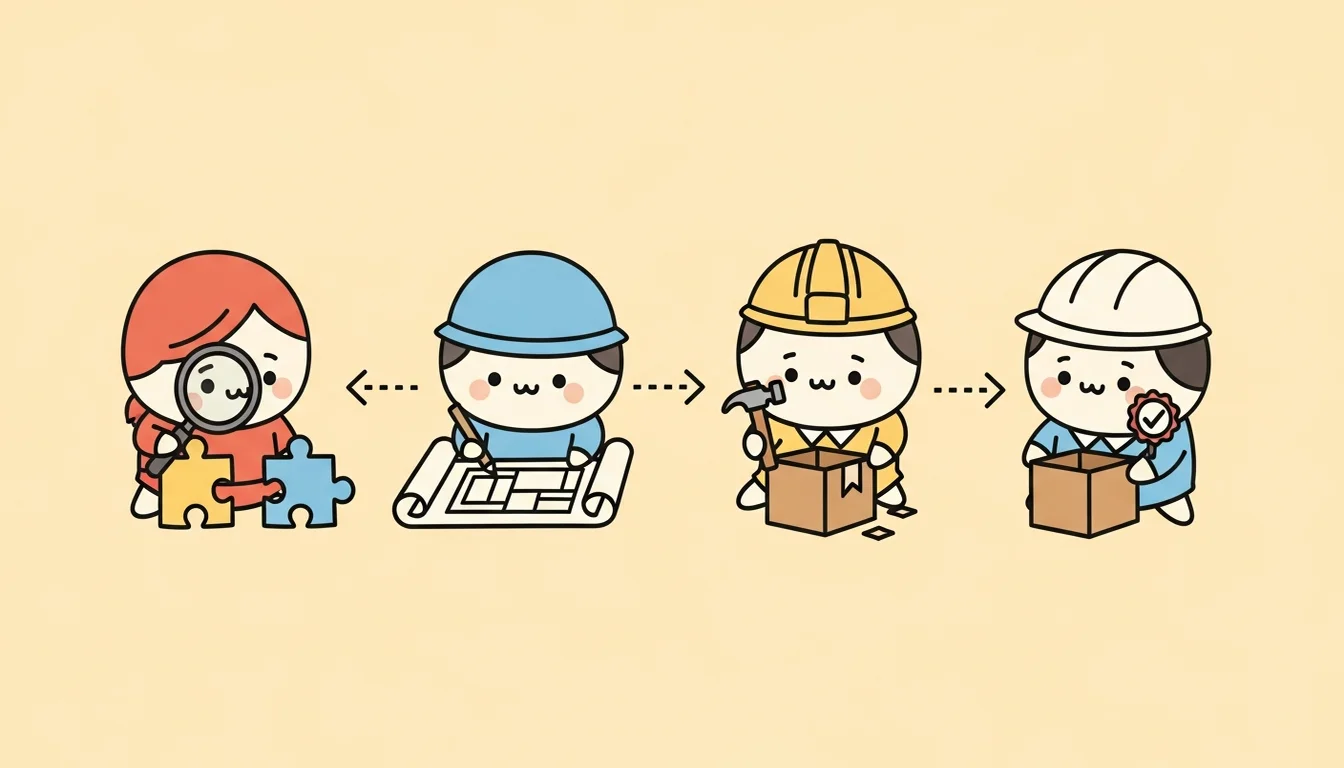

Packaging a Skill into a Plugin isn’t just moving files to a different directory. Here’s the complete workflow I actually followed.
Phase 1 — Analyze Dependencies
Before touching anything, figure out what your Skill depends on. Dependencies fall into categories:
| Category | Description | Action |
|---|---|---|
| CORE | The Skill’s own logic and files | Bundle directly |
| CONTEXT | Environment-specific (project names, API keys, paths) | Convert to templates or userConfig |
| FRAMEWORK | Capabilities provided by Claude Code itself (tools, sub-agents) | No action needed — runtime provides these |
| EXTERNAL | External tools (Node.js, git, gh CLI) | Document in README |
| PHANTOM | Referenced in code but doesn’t actually exist | Remove |
The most commonly overlooked category is CONTEXT dependencies — what in your Skill only works because of your specific environment?
CONTEXT can be further subdivided:
- CONTEXT-SIMPLE: 1-3 simple key-value pairs (e.g., project name, default days) → Put in
plugin.json’suserConfig - CONTEXT-COMPLEX: Structured or repeated data (e.g., multi-channel configs) → Create template files, guide users via SessionStart hook
Phase 2 — Design the Structure
Plugin directory structure:
my-plugin/
├── .claude-plugin/
│   └── plugin.json          ← manifest (name, version, config)
├── skills/                  ← Skill files
│   └── my-skill/
│       └── SKILL.md
├── commands/                ← Command files
│   └── my-command.md
├── hooks/
│   └── hooks.json           ← automation hooks (optional)
├── scripts/                 ← helper scripts (optional)
└── README.md
plugin.json is the core, defining metadata and user-configurable settings:
{
  "name": "my-plugin",
  "version": "1.0.0",
  "description": "A plugin that does something",
  "author": "your-name",
  "userConfig": {
    "PROJECT_NAME": {
      "description": "Default project name for analysis",
      "required": false,
      "default": ""
    }
  }
}
Phase 3 — Build and Rewrite Paths
This step is where most mistakes happen. The Plugin’s runtime environment differs from your local development setup — all paths need rewriting:
- File paths referenced in Skills → Use
${CLAUDE_PLUGIN_ROOT}as base - Writable data paths → Use
${CLAUDE_PLUGIN_DATA}(Plugin’s dedicated writable directory) - Absolute paths → Eliminate entirely, use relative paths or variables
../path traversal → Not allowed — Plugins can’t access anything outside their directory
If your Skill needs first-run initialization (e.g., npm install, TypeScript compilation), handle it with a SessionStart hook:
{
  "hooks": {
    "SessionStart": [{
      "type": "command",
      "command": "cd ${CLAUDE_PLUGIN_ROOT}/scripts && npm install --silent && npx tsc"
    }]
  }
}
Phase 4 — Verify
The most important and most commonly skipped step. Don’t verify your own Plugin — spawn a fresh Sub-agent that pretends to be a first-time user and simulates the entire installation flow.
Issues to catch, in three severity levels:
BLOCKER (must fix):
- Missing required files (plugin.json, SKILL.md)
- Path references to nonexistent files
- Absolute paths or path traversal
- CONTEXT variables not converted to templates
WARNING (should fix):
- Hardcoded names or paths
- Language lock (only Chinese docs, no English)
- README missing install or usage steps
NITPICK (nice to fix):
- Style inconsistencies
- Unnecessary files
Run verification for up to three rounds: find issues in round one, fix and re-verify in round two, until clean or three rounds exhausted.
Publishing to a Marketplace
Plugin is ready. How do others install it?
Single Plugin Repo
The simplest approach: push the Plugin to a GitHub repo where the repo root is the Plugin root. Users install directly:
/plugin install github:your-name/your-pluginUnified Marketplace (Recommended)
If you have multiple Plugins, each in its own repo forces users to remember multiple source URLs. A better approach: create a unified Marketplace repo:
emilwu-plugins/
├── .claude-plugin/
│   └── marketplace.json     ← lists all plugins
└── plugins/
    ├── plugin-a/
    │   └── .claude-plugin/plugin.json
    ├── plugin-b/
    │   └── .claude-plugin/plugin.json
    └── plugin-c/
        └── .claude-plugin/plugin.json
Users add the Marketplace once, then all Plugins are installable:
# One-time setup (once per machine)
/plugin marketplace add your-name/your-marketplace

# Install any Plugin
/plugin install plugin-a@your-marketplace
/plugin install plugin-b@your-marketplace
Pitfalls I Hit
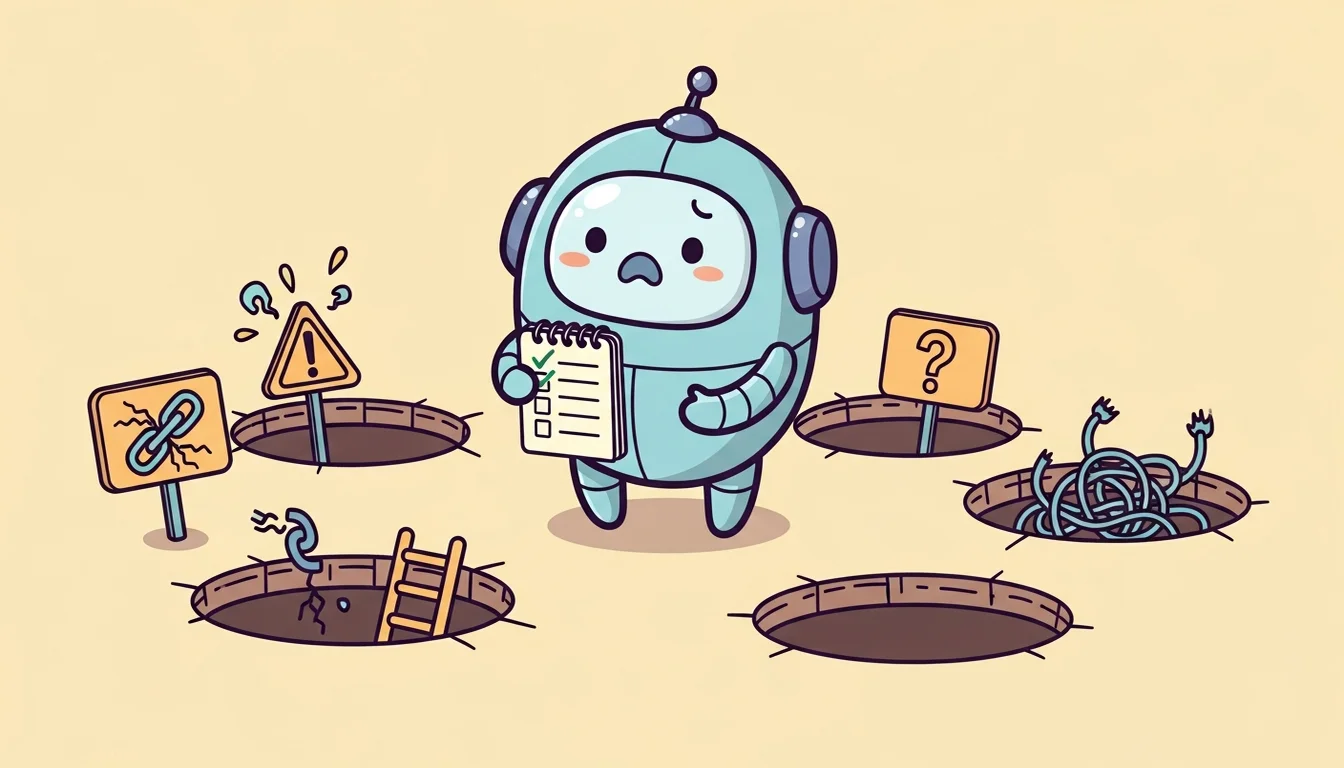
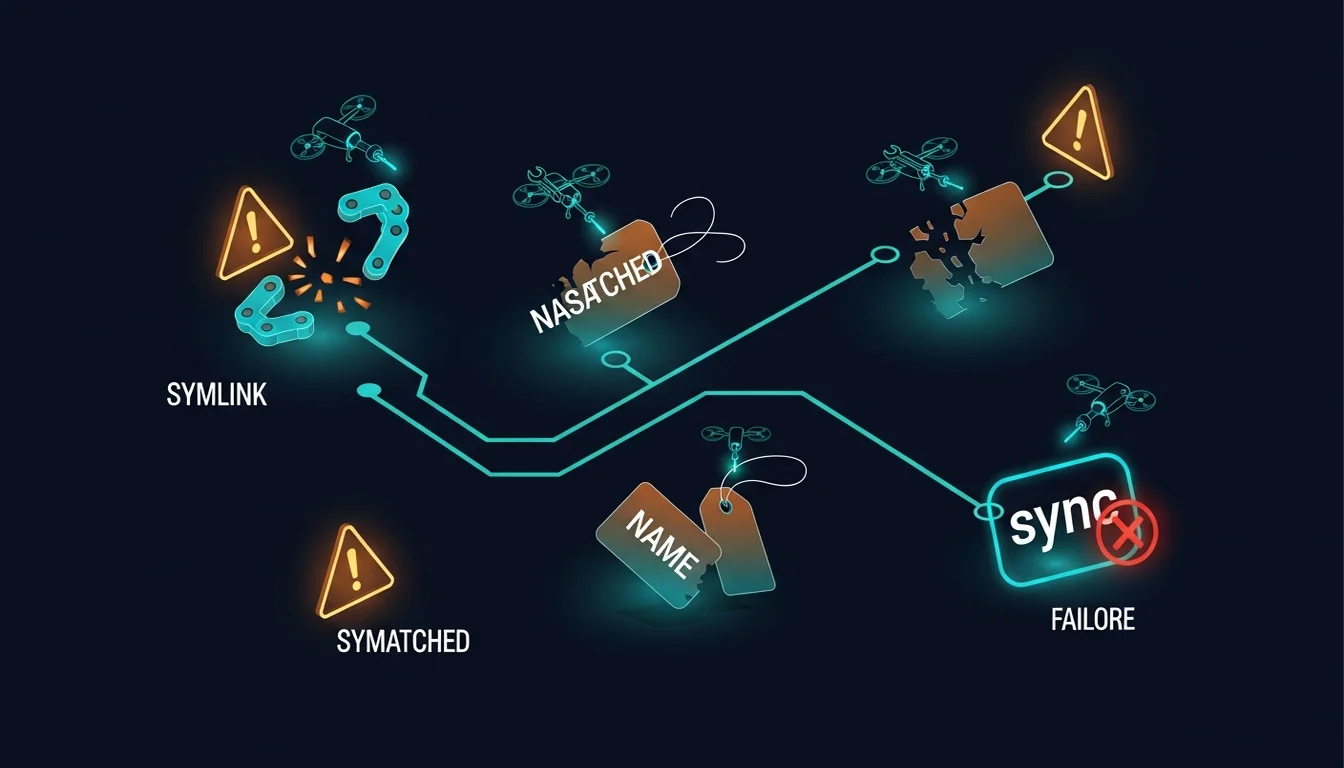
1. Symlinks Break in Plugin Cache
To avoid code duplication, I initially used symlinks to share a scripts/ directory between two Plugins. Local testing passed perfectly.
But Claude Code’s plugin cache mechanism doesn’t follow symlinks when copying — it copies a dead link, causing “script not found” errors after installation.
Fix: Abandon symlinks, use physical copies. Each Plugin gets its own complete scripts directory. Wastes some space, but at least it works.
2. Marketplace Name ≠ GitHub Repo Name
Plugin installation format is plugin-name@marketplace-name. The marketplace-name here isn’t the GitHub repo name — it’s the "name" field in marketplace.json. Mix them up and you get Plugin not found in any marketplace, with no hint about which name is wrong.
3. Every Machine Needs to Add the Marketplace
/plugin marketplace add is a local operation that doesn’t sync across devices. Not a bug, but guaranteed to trip you up the first time you try installing on a second machine.
4. The Evolution from Scattered to Unified
I started with separate repos for each Plugin. Installing the first was fine; by the third, users had to remember three different repo URLs.
Moved everything to a unified marketplace repo — users add once, and any future Plugins are automatically available. If you plan to make more than one Plugin, start with a unified Marketplace from day one.
5. The SessionStart Hook First-Run Trap
SessionStart hooks execute every time Claude Code starts. If your hook runs npm install and tsc, that’s several extra seconds on every launch.
Fix: Add conditionals in the hook script — skip install if node_modules/ exists, skip compilation if .js output files exist. Only run full initialization on first use (or after manual cleanup).
Real-World Example: The /insights Plugin
Everything described above, I walked through while packaging /insights. The final output was two Plugins:
- claude-insights-command — Cross-project analysis, supporting
/insights emilwu-tw-site 7d - claude-insights-skill — Current project analysis, supporting
/insights 7d
The source code extraction and architecture redesign process is documented separately: Extracting Claude Code /insights from the Leaked Source [1].
Installation:
/plugin marketplace add emilwu/emilwu-plugins
/plugin install claude-insights-command@emilwu-plugins
/plugin install claude-insights-skill@emilwu-plugins
Plugin source code and the Marketplace are available at GitHub: emilwu-plugins [2].
My Take
Perhaps the Plugin system’s greatest value isn’t “sharing” — most Skills people write solve their own specific problems and may not generalize well.
The real value is portability.
When you package a Skill into a Plugin, you’re forced to extract all environment dependencies, turn every hardcoded path into a variable, and make every “only I know this” assumption into an explicit config. This process itself is Context Engineering in practice — you’re doing for your Skill what you should be doing for your Agent: making implicit knowledge explicit.
After packaging, it’s not just others who can install it — you yourself can switch to a different computer, a different project, and it just works.
Maybe that’s the real reason packaging is worth doing: not for sharing, but to make your tools truly yours, untethered from a specific directory on a specific machine.
References:
[1] Extracting Claude Code /insights from the Leaked Source — The real-world extraction case /en/resources/claude-code-source-insights
[2] GitHub: emilwu-plugins — Unified Plugin Marketplace https://github.com/emilwu/emilwu-plugins
[3] Claude Code Plugins — Official docs — Full Plugin system documentation https://code.claude.com/docs/en/plugins
Support This Series
If these articles have been helpful, consider buying me a coffee