


In one line: There’s no perfect inter-Agent communication solution — only “pick what fits the situation.”
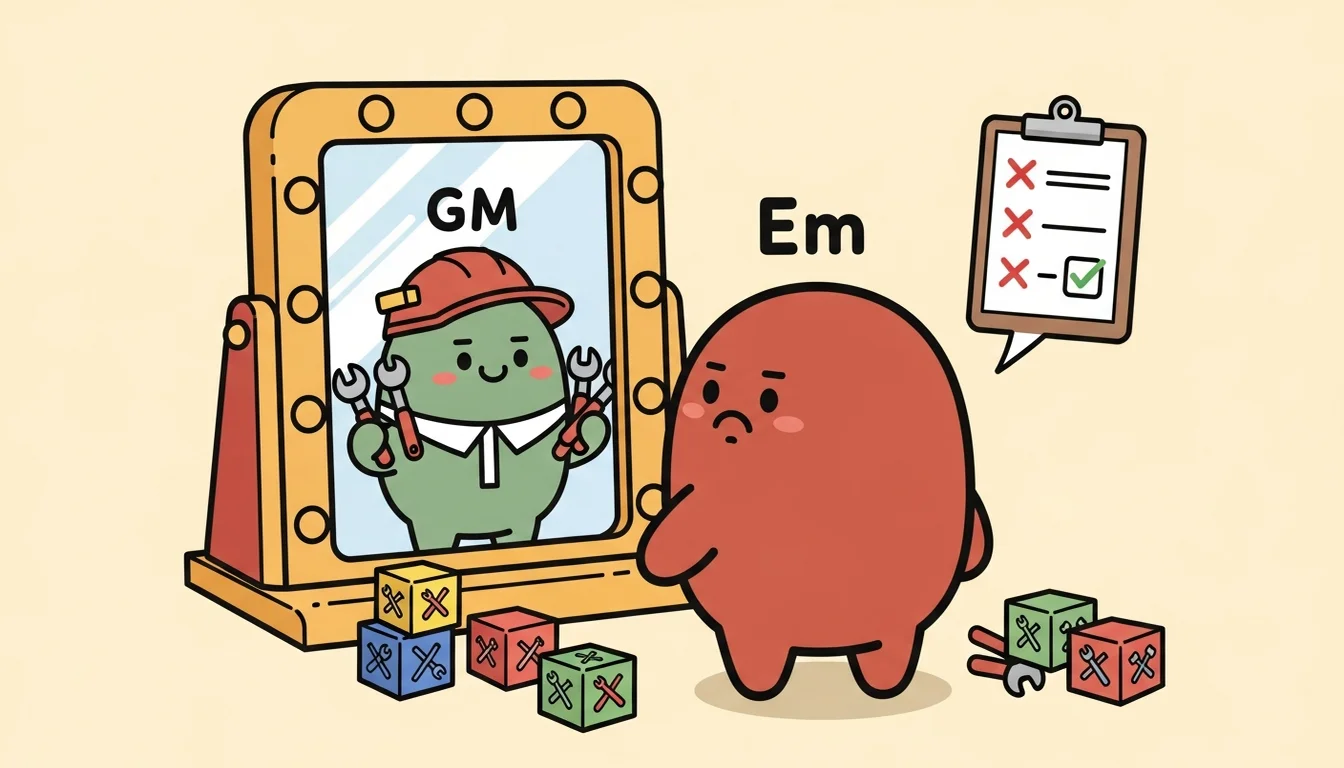
The first time GM officially started up, I gave it a clear mission: test Claude Code’s Agent Teams feature, spawn Agent Em as a teammate, and verify that Em could load its own CLAUDE.md, its own Skills, its own Commands.
GM quickly built a team, then used the Agent tool with the team_name parameter to spawn Em. Em reported back a full Context Validation Report — five checks, with results like this:
- Working Directory: FAIL, cwd was agent-GM/, not agent-Em/
- CLAUDE.md loaded: FAIL, loaded GM’s CLAUDE.md, not Em’s
- Skills loaded: FAIL, loaded GM’s skills (scenario-routing, coordination-protocols, etc.), not Em’s wiki-schema
- Commands loaded: FAIL, Em’s /ingest, /query, /lint — all nonexistent
- Filesystem access: PASS, can read and write any Agent’s files
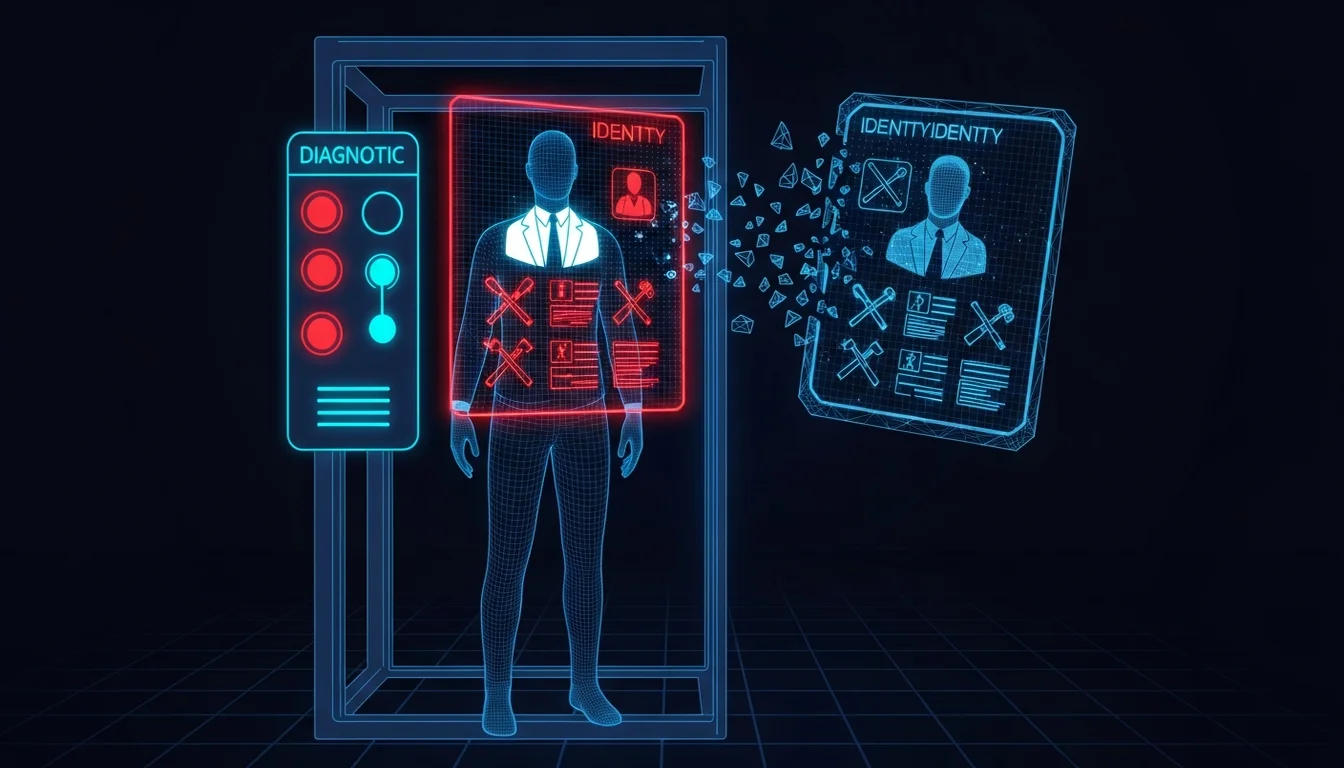
Four out of five checks failed. After being spawned, Em didn’t know it was Em — because it had loaded GM’s identity, was thinking through GM’s decision framework, holding GM’s tools, but being asked to do Em’s work. This wasn’t an Agent Teams bug. This was a fundamental mismatch between my needs and Agent Teams’ design assumptions — or put another way, my requirements and Anthropic’s spec didn’t align.
Two Completely Different “Multi-Agent” Meanings
Let me be clear about Agent Teams’ design logic first, because understanding this is what explains why I eventually needed three different approaches running in parallel [1].
Claude Code’s Agent Teams is designed for “multiple workers on the same project.” The official docs spell out the use cases clearly: three people reviewing the same PR together — one checking security, one checking performance, one checking test coverage — or multiple teammates simultaneously refactoring different modules of the same codebase. All teammates share the same working directory, the same CLAUDE.md, the same Skills. The only difference is the instruction given at spawn time.
This is a completely different thing from the Agent Team I built.
The Agents in my Agent Team are “specialists with their own independent expertise”: Em has its own directory and wiki structure, C7 has its own directory and catalog, Dm has its own directory and building pipeline. Each Agent’s identity, Skills, and Commands are different, because what they do is completely different. Under the “identity is the foundation of Context” argument from the previous article, each Agent must load its own CLAUDE.md — not loading the shared one. That’s the core of my design.
But Anthropic’s Agent Teams design concept is exactly the opposite: all teammates work in the same directory and share everything except the instructions they receive. So a teammate inherits the spawner’s cwd and loads the same CLAUDE.md. This isn’t a bug — it’s the native spec.
When GM spawned Em from the agent-GM/ directory, Em inherited agent-GM/ as its cwd, so it loaded GM’s CLAUDE.md, GM’s skills and commands. Em became “Em wearing GM’s outfit” — GM’s identity, GM’s tools, but asked to do Em’s work. Filesystem access was fine (it could read agent-Em/wiki/), but it didn’t know how it was supposed to read things, because its CLAUDE.md described GM’s methodology, not Em’s.
This isn’t Agent Teams’ problem. It’s a fundamental divergence between my “team of specialists” design and Agent Teams’ “team of workers” design. It also tells us that the word “multi-agent” in different contexts can describe completely different architectures. What Anthropic had in mind was multi-person collaboration on the same codebase. What I had in mind was cross-domain specialist division of labor.
I did use .claude/agents/{em,dm,c7,g7}.md agent definition files to bring in the target Agent’s identity description — but this is actually the official Agent Teams subagent definition mechanism, not the teammate mechanism. I used it to customize a teammate’s system prompt and model, and moved GM to the repo root level so it could correctly load Em’s identity. But there were still trade-offs: an agent definition is a “summary” of an identity, not a full CLAUDE.md. The official mechanism only applies the identity description and model settings — Skills and other extensions don’t carry over. The teammate still loads Skills from the project directory. And there’s a sync problem: if Em’s CLAUDE.md is updated, the agent definition has to be updated to match, or you end up with two inconsistent identity descriptions.
Option B: CMUX and the “Forgot to cd” Disaster
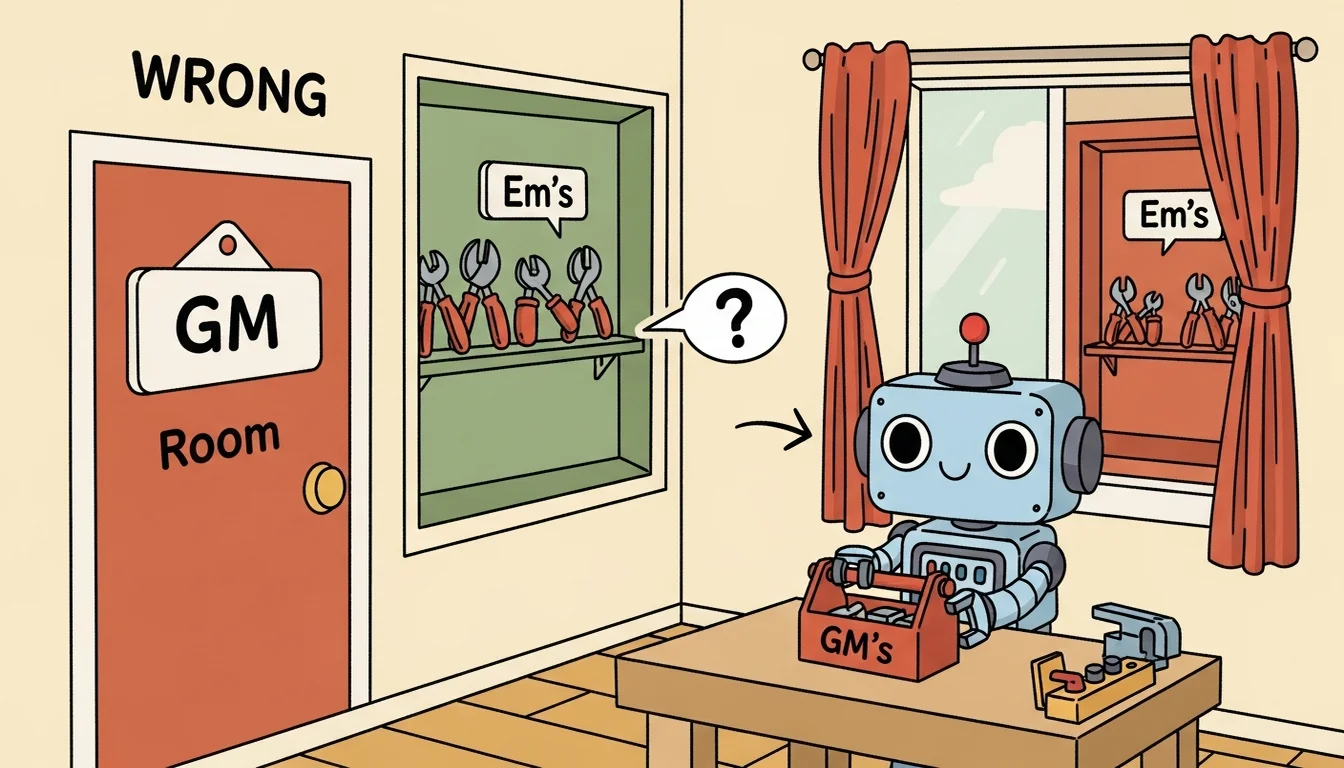
Since Agent Teams’ design assumptions fundamentally didn’t match my needs, I had to find another way, so I tested another approach at the same time: use a terminal multiplexer to open a new pane, cd to the target Agent’s directory inside it, then launch Claude Code. That way each Agent naturally loads its own CLAUDE.md and Skills from its own directory — no workarounds needed.
I used CMUX [2][3] (a macOS terminal designed specifically for AI coding agents) — it lets you open new terminal split panes with commands, send text to a specified pane, and read a pane’s output. In theory, GM could open a new pane, cd to Em’s directory first, then launch Claude Code, and Em would naturally load its own CLAUDE.md and Skills. Sounds perfect, right?
The actual test result: Em successfully launched from the correct directory, loaded its own CLAUDE.md, skills, and even read the Wiki index successfully. But there was one constraint: the sandbox blocked cross-directory writes. Em couldn’t write directly into agent-GM/state/inbox/ to report its results and output. The workaround was to have Em write to its own outbox, then have GM actively go read it.
Then I hit a bigger problem — not a technical constraint, but an Agent problem: it kept forgetting to cd.
Over the course of that 470-minute session, GM repeatedly made the same mistake: launching the Agent from the repo root instead of first cding to the Agent’s directory. And because the repo root’s settings.json was GM’s — which had no Stop hook — the Agent launched, did its work, and finished, but the hook never fired. No new files in inbox. No chain dispatch. Everything looked normal, but nothing followed.
The most critical thing about this mistake: there was no error message. The Agent wouldn’t say “I launched from the wrong directory.” It would respond to your questions normally, end the session normally — the Stop hook just wouldn’t fire. You had to notice something was off yourself, go back and check the inbox directory and find it empty, then trace the whole flow back before realizing the launch directory was wrong.
So eventually I told GM directly: “You often forget to switch directories. Please add a verification step to your workflow, otherwise you’ll keep making errors and retrying. I think the number of times you just launched from the wrong directory is getting a bit high (threw in a little criticism to see what it would do).”
That feedback ended up being written into three places: stop-hook.sh got a target directory existence check, the Option B skill document got a “Directory Verification Before Dispatch” three-step checklist, and GM’s CLAUDE.md Corrections got a permanent rule added.
Because when the same mistake happens too many times, you have to embed the fix into the system and let the system remember it — not rely on a human to remember every time. This echoes what I wrote in the refinement cycle article: good system design turns recurring errors into rules.
Silent Failure: The Hook Format Issue
Throughout all the dispatch mechanism testing, the thing that ate the most time wasn’t context isolation in the original approach, wasn’t the directory problem in Option B — it was an error that crept in without a sound.
Claude Code’s hooks mechanism can trigger custom shell scripts on specific lifecycle events, like automatically running a script when a session ends (Stop event). I used this to design a stop-hook.sh that would automatically do three things when each Agent finished: write a completion report to GM’s inbox, send a CMUX notify to GM, and if a chain environment variable was set, automatically dispatch the next Agent.
I wrote the script, updated settings.json for all four Agents, then tested. Agent Em launched, did its work, finished — but inbox was empty. No report, no notification, nothing.
I spent a while debugging: first suspected that --print mode doesn’t trigger hooks, then suspected there was a difference between CMUX and tmux — after testing, neither was it. So I tried calling stop-hook.sh manually — it looked fine? The script ran, inbox write succeeded, CMUX notify was received. So why was nothing happening during actual execution?
The first issue was of course the directory switching I mentioned earlier, so I drew on experience and fixed that first. But after fixing the directory problem, still nothing happened. Had to run more checks, and then discovered the problem was the hook format in settings.json.
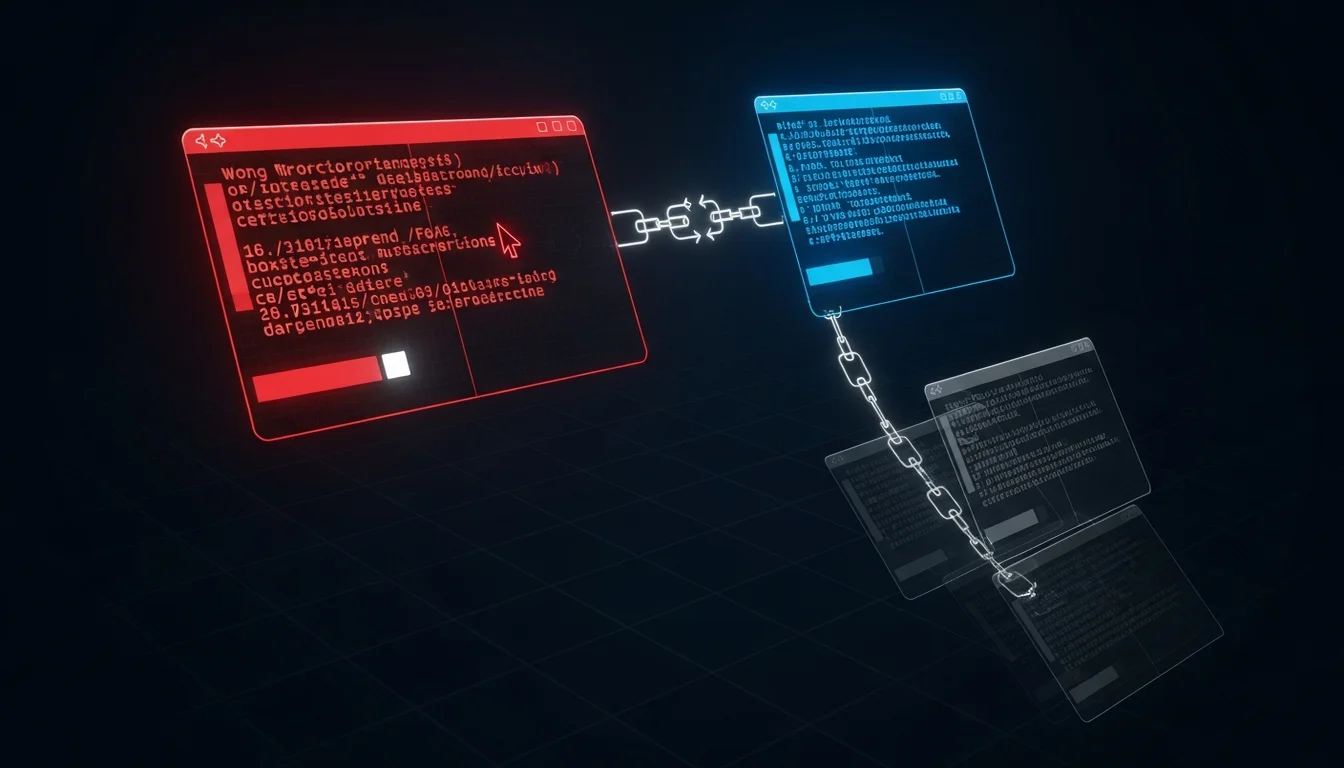
The official docs I’d consulted when first importing the mechanism had the old format, but the new version of Claude Code requires one additional layer of nesting. Right when I was setting up the whole mechanism happened to be right during the transition window — the docs hadn’t been updated yet. The difference is just one wrapper layer, and this wrapper is very hard to spot visually. And with the old format, the result isn’t an error or a warning — it silently does nothing. The hook doesn’t fire, and there’s no message telling you “format is wrong” [4][5]. This kind of situation is especially prone to happening in AI contexts, because this whole mechanism isn’t based on a well-designed API or program — it works through an AI that’s full of flexibility (and therefore full of uncertainty). This also reveals one of the concerns about Vibe Coding — but what can we do? We’ll talk about that another time.
Back to silent failure: silent failure is especially dangerous in Agent collaboration scenarios [6] because your expected action doesn’t happen, but all the preceding steps completed normally. So you assume the problem is in the downstream logic, or that some Agent crashed without reporting back. You won’t think to go back and check a settings.json that looks correct and appears to be working fine.
Once I found the cause and fixed the format, all hooks fired correctly — including the --print mode I’d assumed wasn’t working, which turned out to work fine too [11]. Meaning if I’d gotten an error message from the start and used the correct format, all that “is it the —print issue?” “is it a CMUX problem?” debugging would never have happened.
Chain Dispatch: Em → C7 in 6 Seconds
After fixing the hook, the scenario I most wanted to test was Mode B’s chain dispatch mechanism.
The design works like this: GM dispatches Em to do something, while setting an environment variable telling Em “when you’re done, automatically dispatch C7.” When Em finishes its task and exits, its stop-hook.sh detects the CHAIN_NEXT_AGENT environment variable and automatically uses CMUX to open a new pane, cd to the agent-C7/ directory, and launch C7 with the specified prompt [7].
Test results:
| Time | Event |
|---|---|
| 19:36:49 | Em completes, Stop hook writes to inbox, detects chain setting |
| 19:36:49 | Stop hook automatically creates new pane, dispatches C7 |
| 19:36:55 | C7 launches from correct directory, completes task, Stop hook writes to inbox |
6 seconds, from Em finishing to C7 completing. C7’s cwd correctly pointed to agent-C7/, it loaded C7’s CLAUDE.md and skills, inbox had two completion reports (em and c7), task_id consistent, the entire pipeline intact.
This was the first time two Agents completed a handoff without any human intervention — not doing things simultaneously (that was the parallel processing from the previous article), but one finishing and automatically triggering the next. Like a factory assembly line.
Hybrid Modes: Not Picking One, But Building Decision Criteria
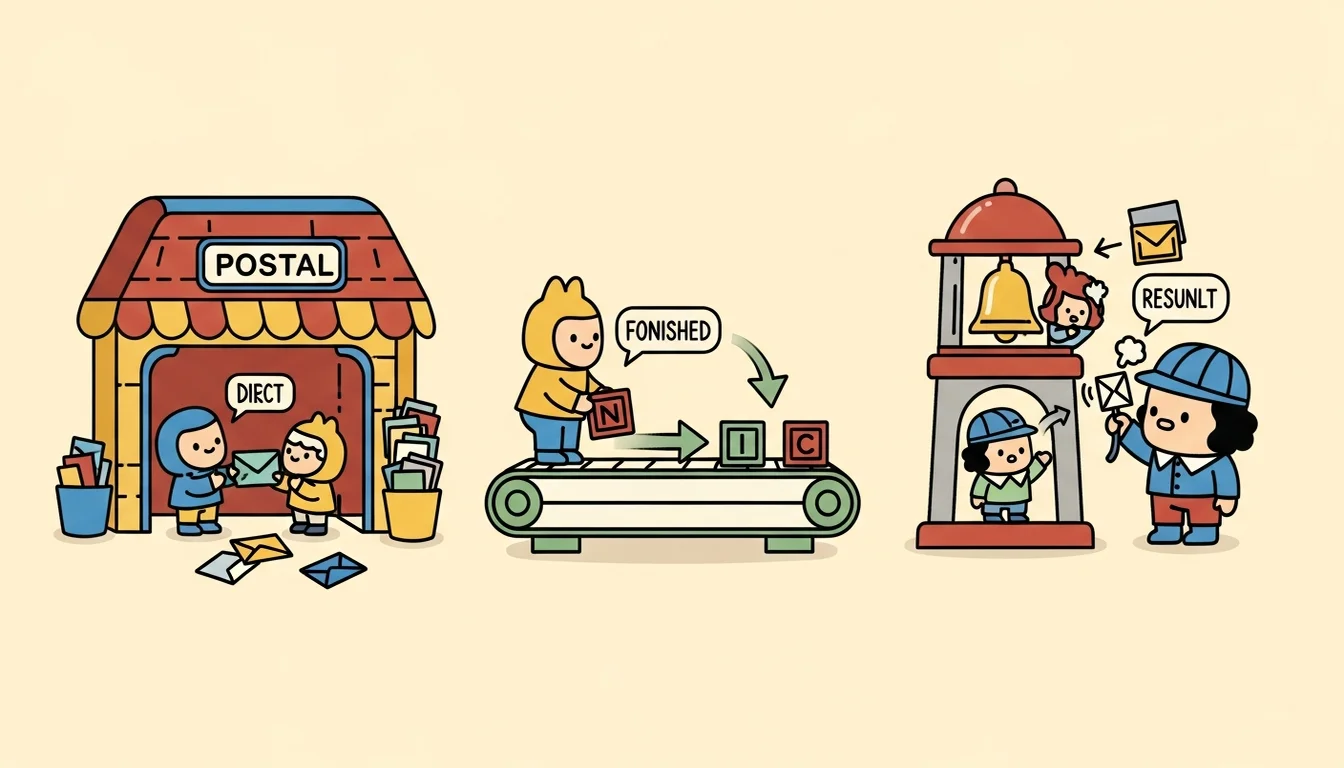
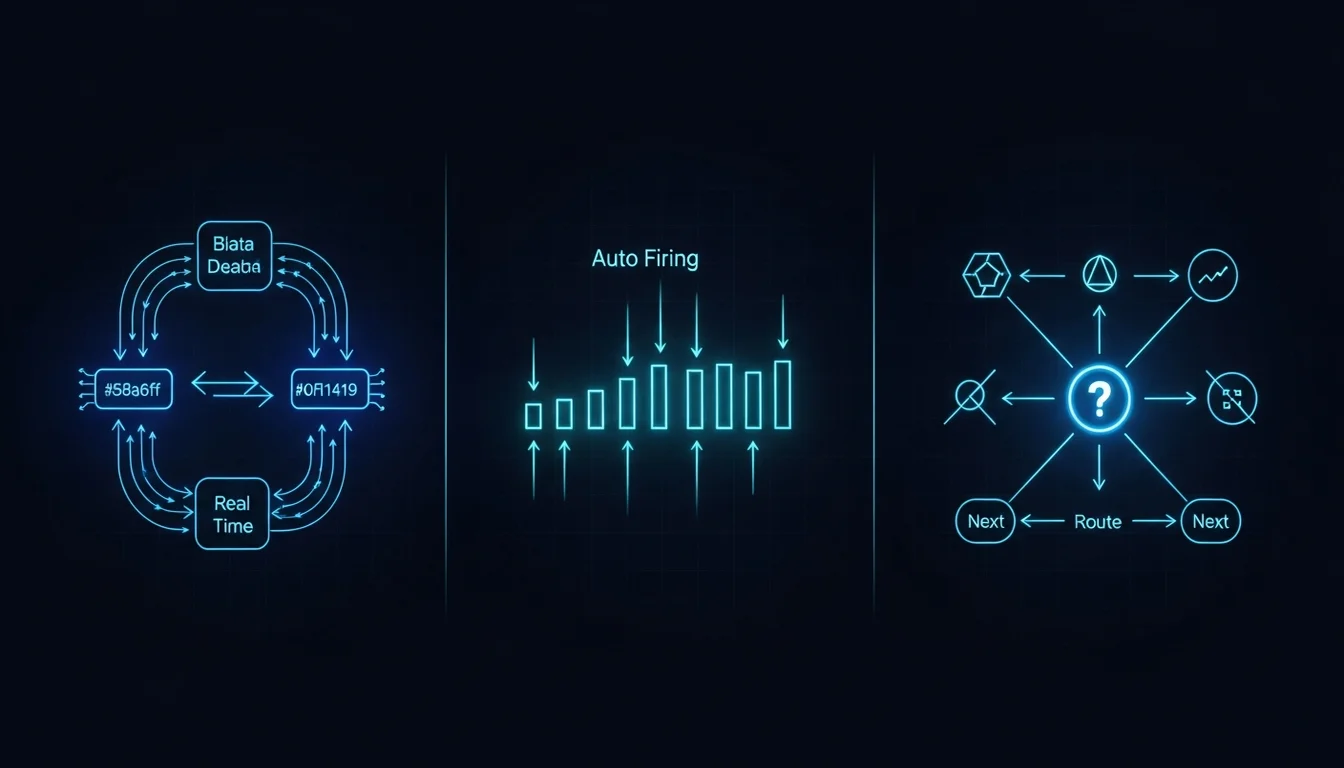
After testing both approaches, my conclusion wasn’t “use A” or “use B” — it was use both, but with different decision criteria for when to use which.
Those decision criteria eventually crystallized into three modes:
Mode A (Agent Teams): Tasks requiring high coordination — multiple Agents doing one thing together, needing real-time communication between them. For example, GM coordinating Dm and Em to co-design a new Agent’s Methodology: after Em finishes the synthesis analysis, Dm needs to read the results immediately, with possibly several back-and-forths in between. This mode uses Agent Teams’ mailbox mechanism, letting teammates SendMessage directly to each other without going through the filesystem.
Mode B-Chain (CMUX + Hook Chain): Linear pipelines that don’t need intermediate judgment. For example, Em automatically triggering a C7 catalog update after completing an ingest — these two steps don’t need GM to see the intermediate result. Em finishes and hands directly to C7. Uses Stop hook chain dispatch with environment variable handoff, letting GM stay out of it entirely and saving Tokens.
Mode C-Notify (CMUX + Hook Notify): Independent tasks where GM needs to decide the next step after seeing the result. For example, Em finishes a knowledge extraction, and GM needs to see the result before deciding whether to have Em do cross-referencing next, or hand directly to Dm for design. This mode uses Stop hook to write to inbox + CMUX notify [9], letting GM receive the notification and decide what to do next.
The key decision criterion is actually the same Context flow question discussed in the Skill vs Subagent article: does the intermediate output need to stay in the main conversation? If yes, use Mode A. If no, use Mode B or C. Does GM need to see the intermediate result to decide the next step? If no, use B (chain). If yes, use C (notify).
| Decision | Result |
|---|---|
| Intermediate output needs to stay in GM’s Context | Mode A |
| Doesn’t need to stay, and next step is fixed | Mode B (Chain) |
| Doesn’t need to stay, but next step requires GM judgment | Mode C (Notify) |
This classification wasn’t designed upfront — it was distilled from repeated collaboration with the Agent Team. Each mode grew from a concrete failure or need: Mode A came from Dm + Em needing real-time communication for Methodology co-design, Mode B came from the Em → C7 pipeline not needing human intervention, Mode C came from some tasks where GM needs to see the result before deciding the direction.
The Cross-Machine Path Problem
After all the technical issues were sorted out, I ran into an even more real-world problem: if I wanted to share the Agent Team with others, or sync work progress between multiple machines through a Git repo, what would I do? Because stop-hook.sh throughout this whole flow was hardcoding paths to call other Agents or write environment variables.
The repo on one machine might be at /Users/emilwu/work-temp/agent-chord-team/, another machine might have it at a different path. If settings.json has absolute paths hardcoded, after cloning to another machine the hooks would fail [8] (yet another silent failure — pointing to a nonexistent script doesn’t throw an error to alert you, it’s quietly doing nothing).
So I added another adjustment: changed all hardcoded paths to dynamic resolution, letting scripts automatically infer the repo root from their own location, and letting each Agent’s config files automatically get the correct path from Git. After the adjustment, tests passed — on another machine after cloning, everything worked without changing a single path.
It might sound like a small thing, but across the various usage scenarios of an Agent Team, any path error can silently break the entire chain dispatch. Because the result of a script not being found isn’t an error — it’s quietly doing nothing.
Two Paths, One Lesson
Looking back at the whole story: Agent Teams’ “team of workers” design has a fundamental gap with my “team of specialists” needs. CMUX’s split-pane dispatch had directory inheritance issues. Hooks had a hard-to-spot format problem that failed silently. Cross-machine sync had hardcoded path issues. Looking at each one individually, none is a major problem, but each one is hard to debug when it happens — because they all shared the same characteristic: Silent Failure.
An Agent won’t tell you “I loaded the wrong identity” — it’ll work normally with that identity. A hook won’t tell you “your format is wrong” — it’ll just do nothing. A script with a nonexistent path won’t throw an error — it’ll quietly bypass. In these situations, what you see isn’t “something went wrong” — it’s “something that should have happened didn’t.” And “missing things” are harder to debug than “broken things” [10], because you first have to realize that something was supposed to happen but didn’t before you can even start investigating.
(When you get down to it, both dispatch options have their pitfalls — the difference is just which pitfall you’ve fallen into enough times to have an instinctive response. Option A’s pitfall is that you’re using a tool not designed for your scenario. Option B’s pitfall is that you’re manually doing a process that hasn’t been tooled yet. And the hook pitfall hits both sides.)
Perhaps when it comes to communication between Agents, the most important thing isn’t choosing the right tool — it’s assuming at every contact point that “this might fail, and I won’t be notified,” then designing verification mechanisms in advance so that “things that should have happened but didn’t” can be caught. That’s exactly why that stop-hook.sh ended up containing not just “do the work” logic, but also “verify it happened” logic, and “if it didn’t finish, tell GM loudly” logic.
References
[1] arXiv — The Orchestration of Multi-Agent Systems: Architectures, Protocols, and Enterprise Adoption (systematic overview of multi-agent architectures and communication protocols) https://arxiv.org/html/2601.13671v1
[2] GitHub — craigsc/cmux: tmux for Claude Code https://github.com/craigsc/cmux
[3] Hacker News — Show HN: Cmux — Coding Agent Multiplexer (community usage discussion) https://news.ycombinator.com/item?id=45596024
[4] Medium — The Silent Failure Mode in Claude Code Hook Every Dev Should Know About (exit code 1 vs 2 silent failure mechanics) https://thinkingthroughcode.medium.com/the-silent-failure-mode-in-claude-code-hook-every-dev-should-know-about-0466f139c19f
[5] DEV Community — 5 Claude Code Hook Mistakes That Silently Break Your Safety Net https://dev.to/yurukusa/5-claude-code-hook-mistakes-that-silently-break-your-safety-net-58l3
[6] arXiv — Detecting Silent Failures in Multi-Agentic AI Trajectories https://arxiv.org/pdf/2511.04032
[7] Microsoft Azure Architecture Center — AI Agent Orchestration Patterns (sequential orchestration = chain dispatch) https://learn.microsoft.com/en-us/azure/architecture/ai-ml/guide/ai-agent-design-patterns
[8] DEV Community — Your AI Agent Configs Are Probably Broken (and You Don’t Know It) (cross-machine config failure issues) https://dev.to/avifenesh/your-ai-agent-configs-are-probably-broken-and-you-dont-know-it-16n1
[9] ACL 2025 — Multi-Agent Collaboration via Cross-Team Orchestration https://aclanthology.org/2025.findings-acl.541.pdf
[10] Fazm.ai — The Scariest Agent Failure Mode Is the One That Looks Like Success (counterpoint: the most dangerous failure isn’t silent failure, it’s results that look correct but aren’t) https://fazm.ai/blog/agent-failure-that-looks-like-success
[11] GitHub Issue #34713 — False “Hook Error” Labels Cause Claude to Prematurely End Turns https://github.com/anthropics/claude-code/issues/34713
Support This Series
If these articles have been helpful, consider buying me a coffee